> ## Documentation Index
> Fetch the complete documentation index at: https://docs.ciaraai.com/llms.txt
> Use this file to discover all available pages before exploring further.
# Updating Process
Once you have edited necessary agent details, you need to update the changes.
You can find the update button in the header section of the agent details view.
 ## Update Process
Initially, if no changes have been made or if there are invalid changes, the update button will remain disabled.
## Update Process
Initially, if no changes have been made or if there are invalid changes, the update button will remain disabled.
 The update button gets enabled upon making valid changes to the agent details.
 Upon clicking the `Update` button:
* The agent updating process will begin in the background.
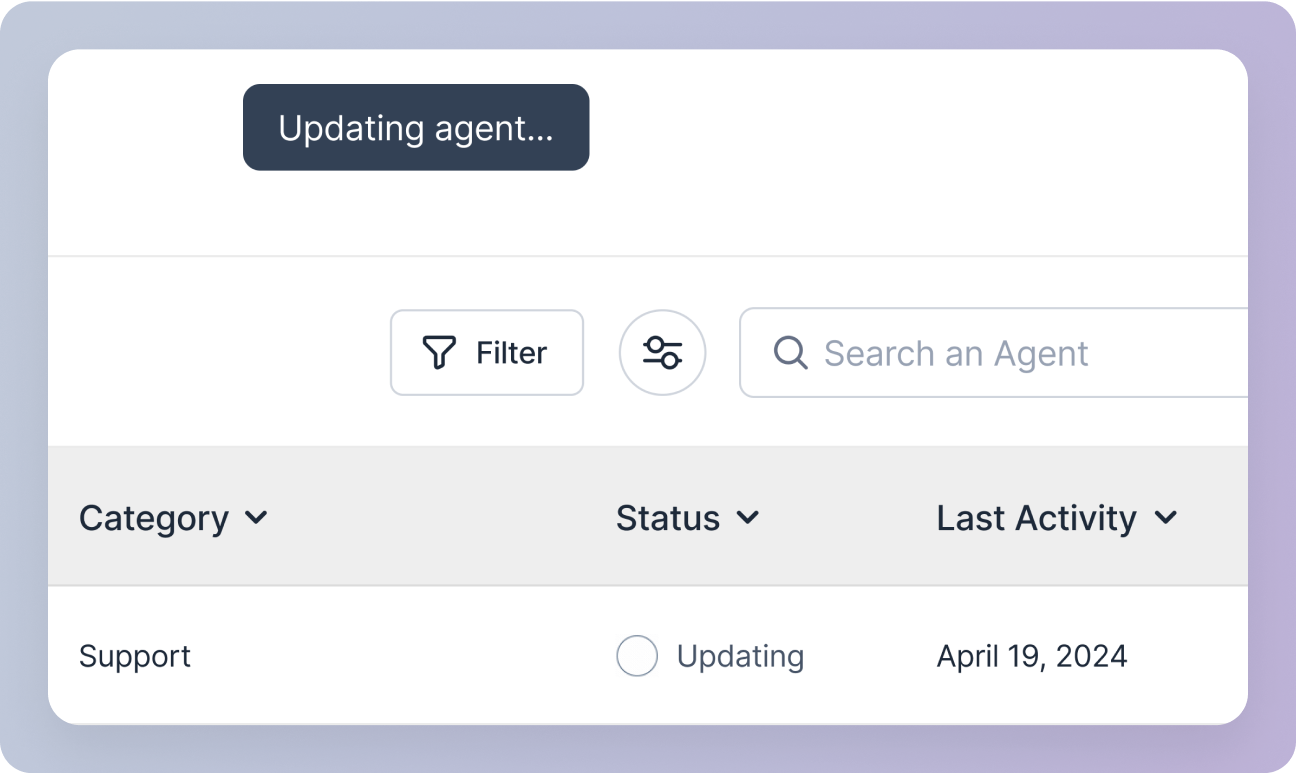
* You will be redirected to the agent management screen, where the agent status will display as “Updating” in the agents table.
Upon clicking the `Update` button:
* The agent updating process will begin in the background.
* You will be redirected to the agent management screen, where the agent status will display as “Updating” in the agents table.
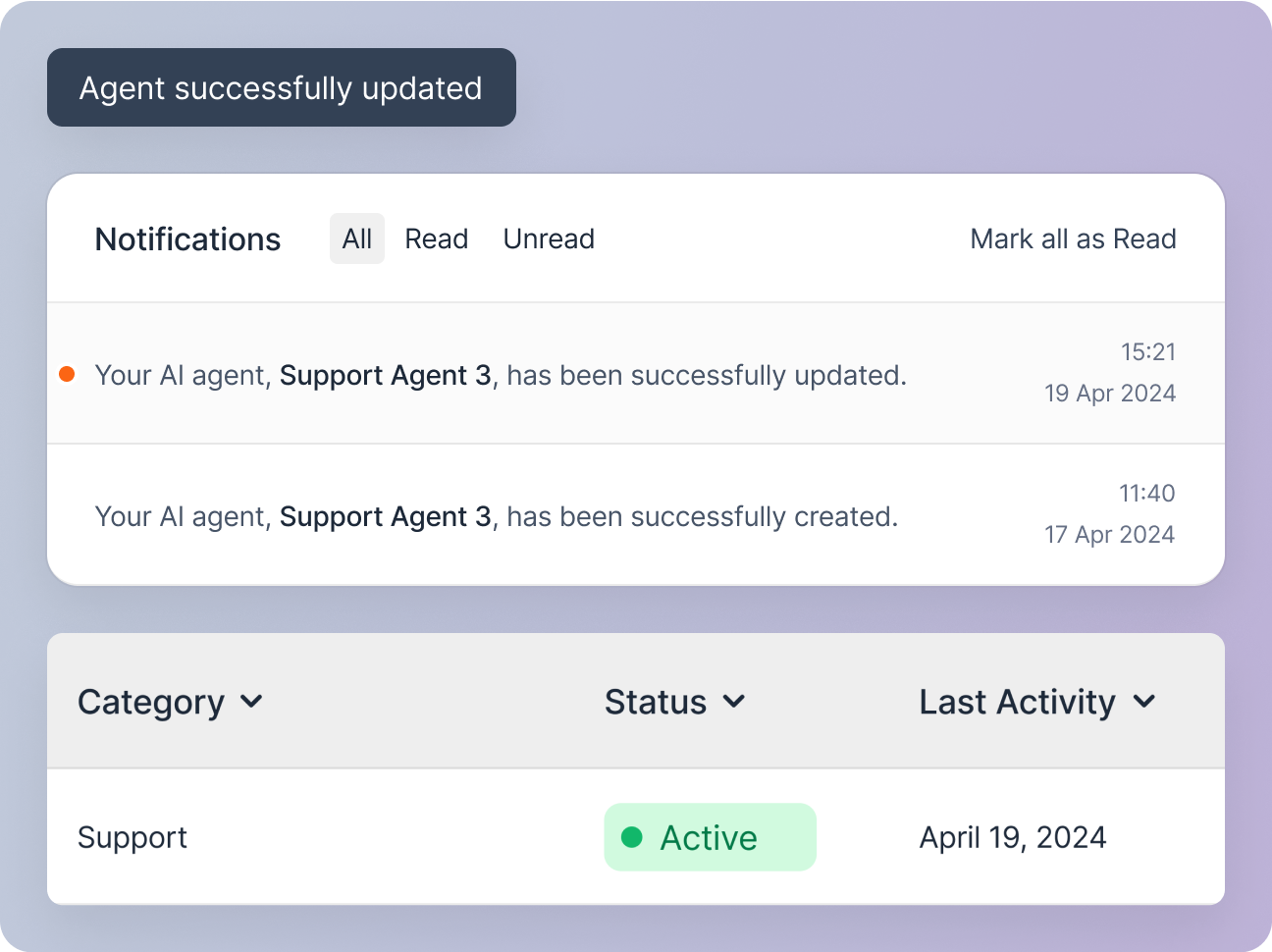
 Upon successful update, a snackbar notification and a notification in your notification center will confirm the agent's update and the agent status will display as “Active” in the agents table.