> ## Documentation Index
> Fetch the complete documentation index at: https://docs.ciaraai.com/llms.txt
> Use this file to discover all available pages before exploring further.
# Business Category Template
> Select the business category that best aligns with your operations. Each category provides a customized chat agent template tailored to address specific industry needs and improve customer engagement.
## Select a Category
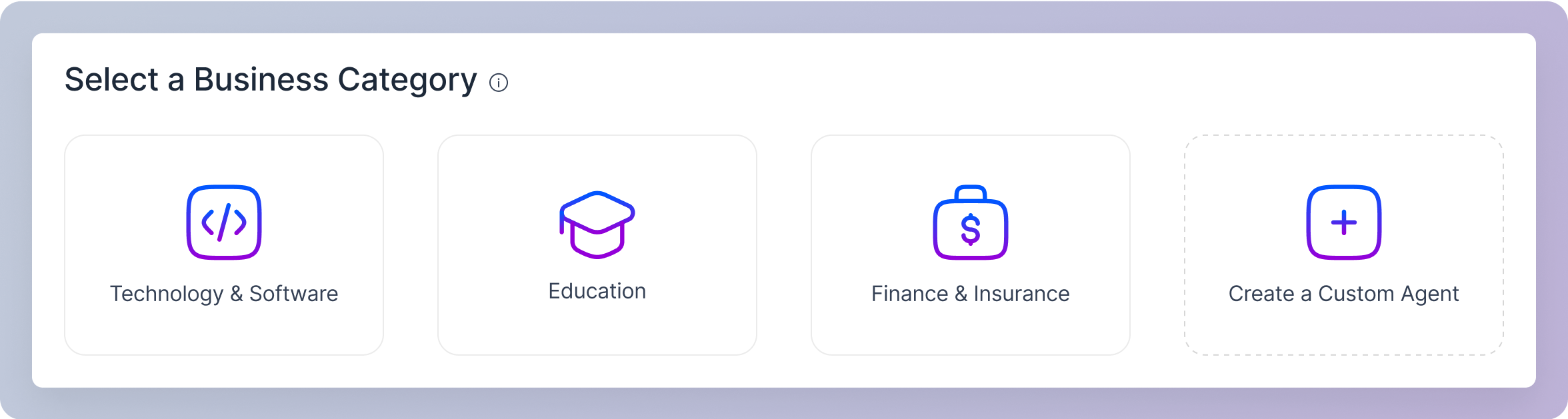 Perfect for companies offering software and IT solutions. This template focuses on highlighting technical features, integration benefits, and ROI, effectively engaging B2B customers.
Ideal for educational institutions showcasing courses and degrees. This template guides prospective students through program options, emphasizing career outcomes and enrollment details.
Suited for financial and insurance firms explaining complex products like policies and investments. This template simplifies discussions on financial security, risk management, and benefits, assisting clients seeking reliable financial and insurance advice.
## Create a Custom Agent
For unique business needs or specific interaction styles not covered by the standard templates, you can choose the **Create a Custom Agent** option. This allows you to build an agent from scratch using your own prompts, tailoring its responses and personality to perfectly align with your brand and customer interactions.
## Request a Business Category Template
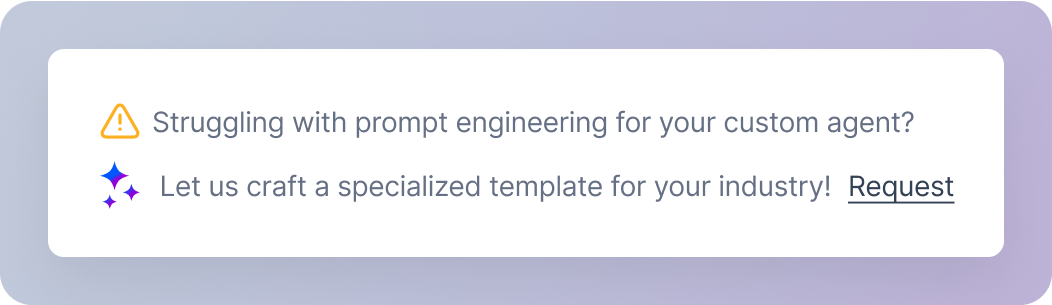
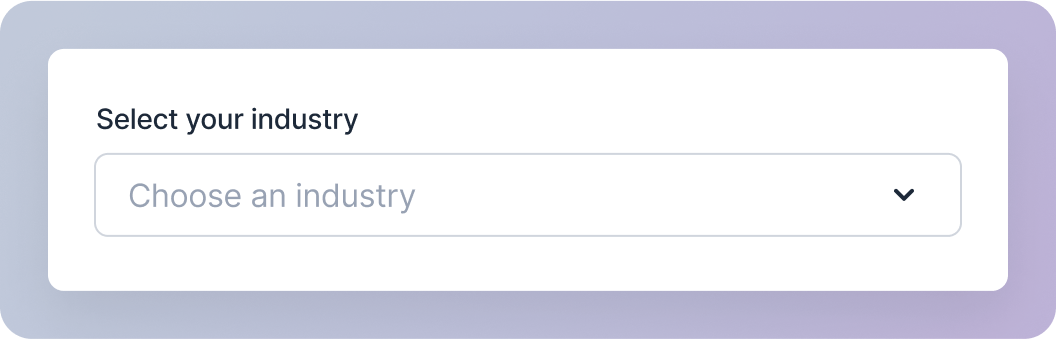
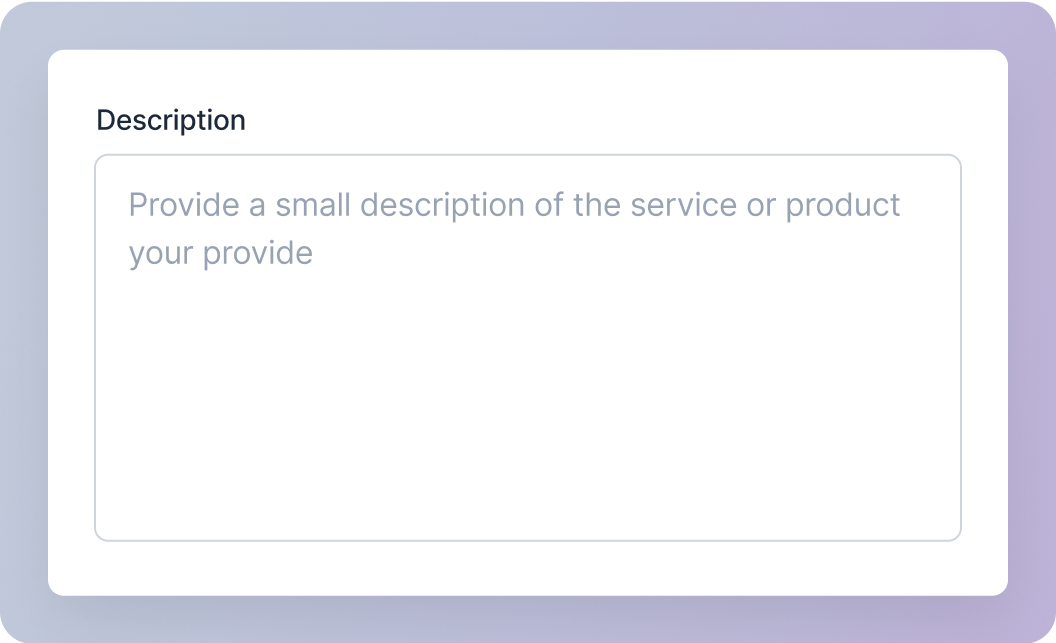
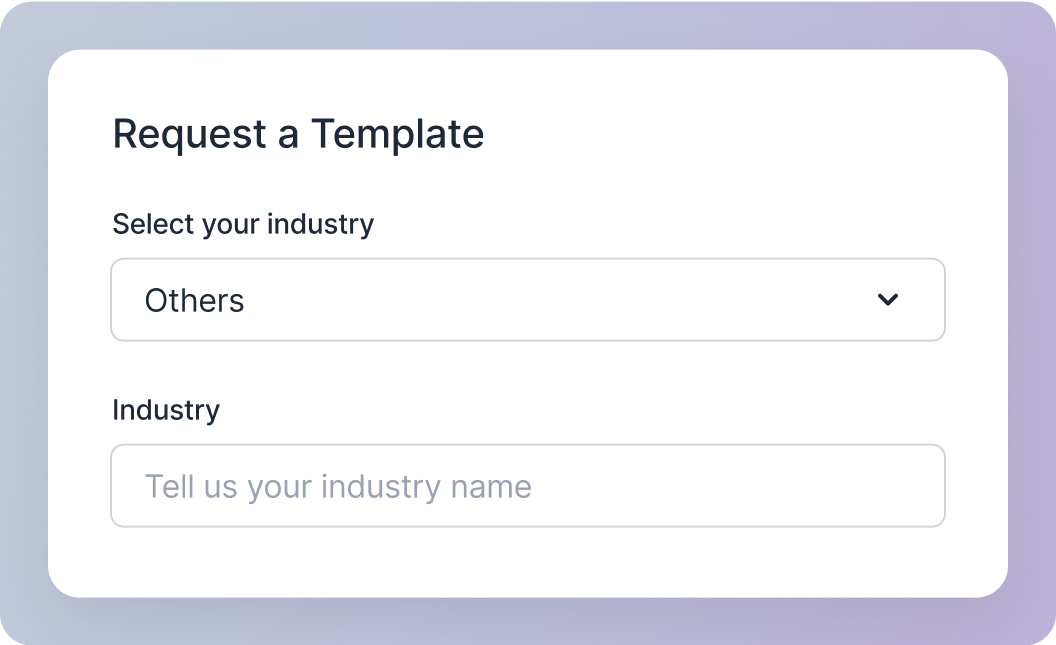
If your business category template isn’t available, you can request one.
Perfect for companies offering software and IT solutions. This template focuses on highlighting technical features, integration benefits, and ROI, effectively engaging B2B customers.
Ideal for educational institutions showcasing courses and degrees. This template guides prospective students through program options, emphasizing career outcomes and enrollment details.
Suited for financial and insurance firms explaining complex products like policies and investments. This template simplifies discussions on financial security, risk management, and benefits, assisting clients seeking reliable financial and insurance advice.
## Create a Custom Agent
For unique business needs or specific interaction styles not covered by the standard templates, you can choose the **Create a Custom Agent** option. This allows you to build an agent from scratch using your own prompts, tailoring its responses and personality to perfectly align with your brand and customer interactions.
## Request a Business Category Template
If your business category template isn’t available, you can request one.