> ## Documentation Index
> Fetch the complete documentation index at: https://docs.ciaraai.com/llms.txt
> Use this file to discover all available pages before exploring further.
# Customization
> This section allows you to define your support agent’s introduction and engagement behaviors.
## Welcome Messages
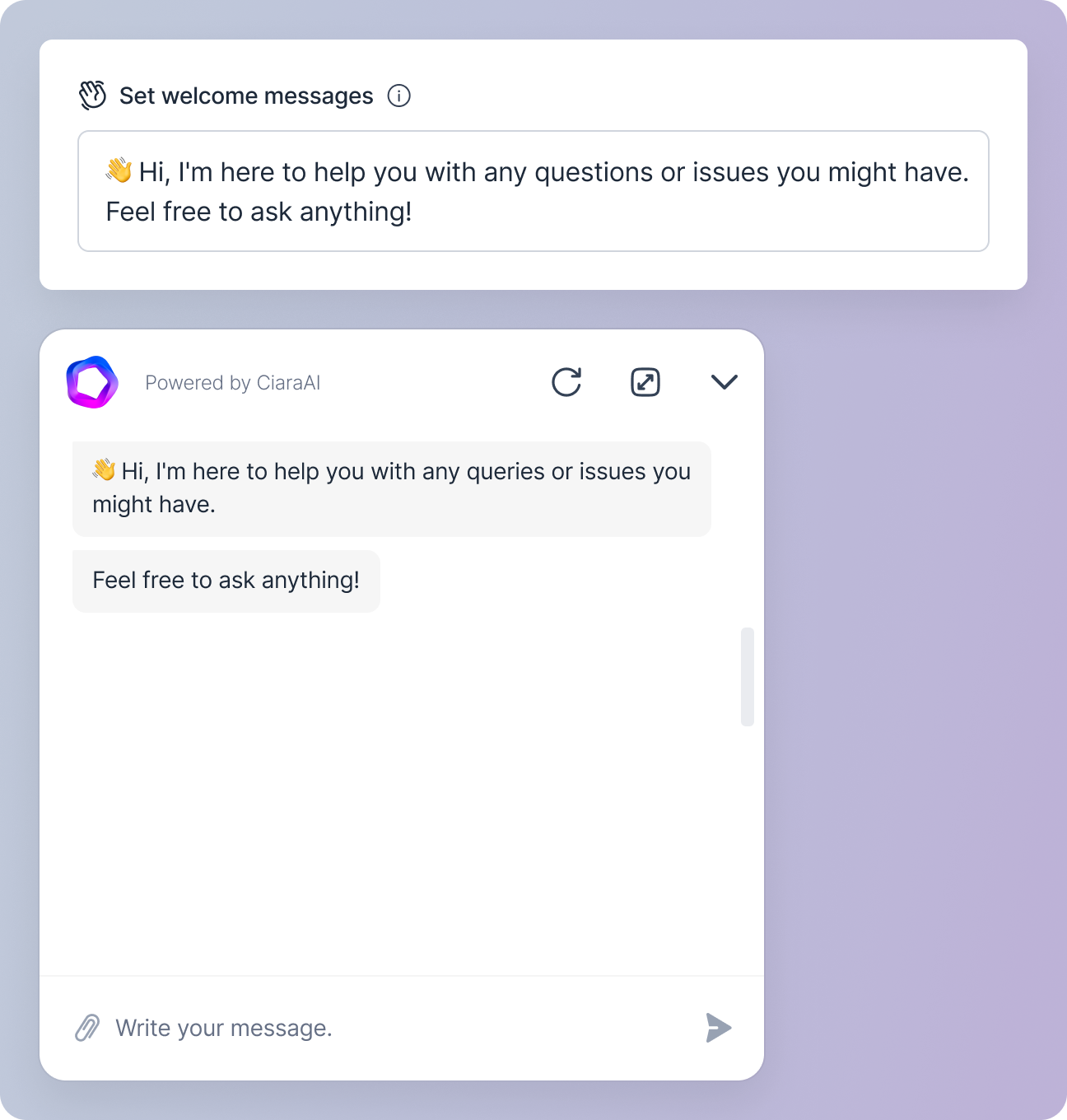 * In the **Set welcome messages** field, define the messages that greet customers when they initiate a chat.
* Enter **each message on a new line**.
## Suggested Prompts
* In the **Set welcome messages** field, define the messages that greet customers when they initiate a chat.
* Enter **each message on a new line**.
## Suggested Prompts
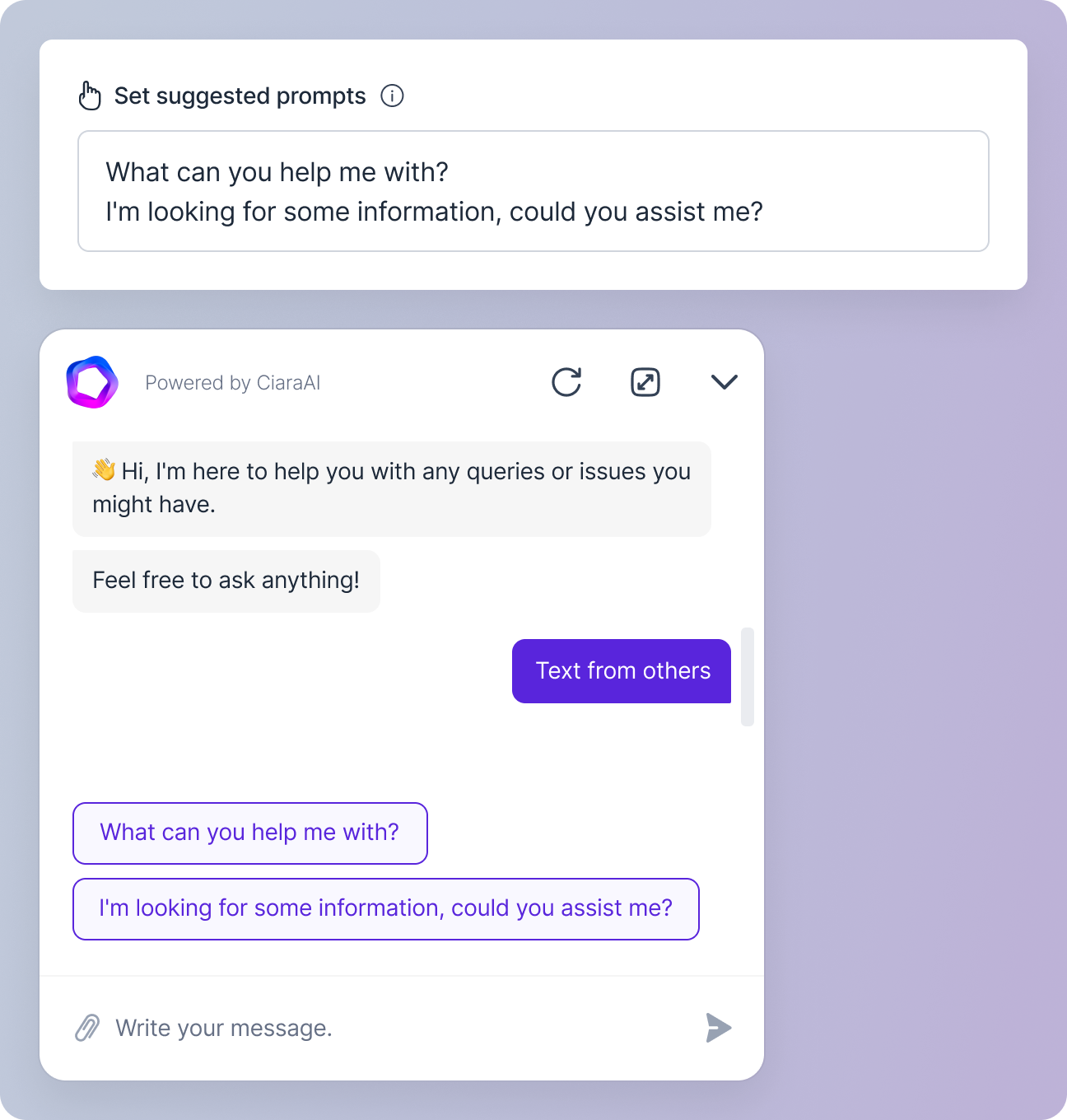 * Use the **Set suggested prompts** field to define prompts that the agent suggests to customers during the chat.
* Enter **each prompt on a new line**.
## Agent Functionality
* Use the **Set suggested prompts** field to define prompts that the agent suggests to customers during the chat.
* Enter **each prompt on a new line**.
## Agent Functionality
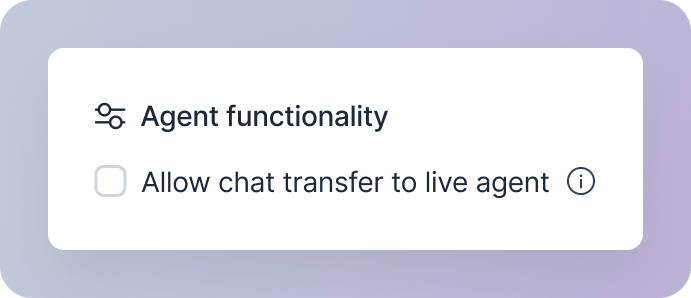 * The **Allow chat transfer to live agent** checkbox controls whether customers can be transferred to a live human agent if needed.
* Enable this option if you want to offer the possibility of escalation for complex issues.
## Additional Options
* The **Allow chat transfer to live agent** checkbox controls whether customers can be transferred to a live human agent if needed.
* Enable this option if you want to offer the possibility of escalation for complex issues.
## Additional Options
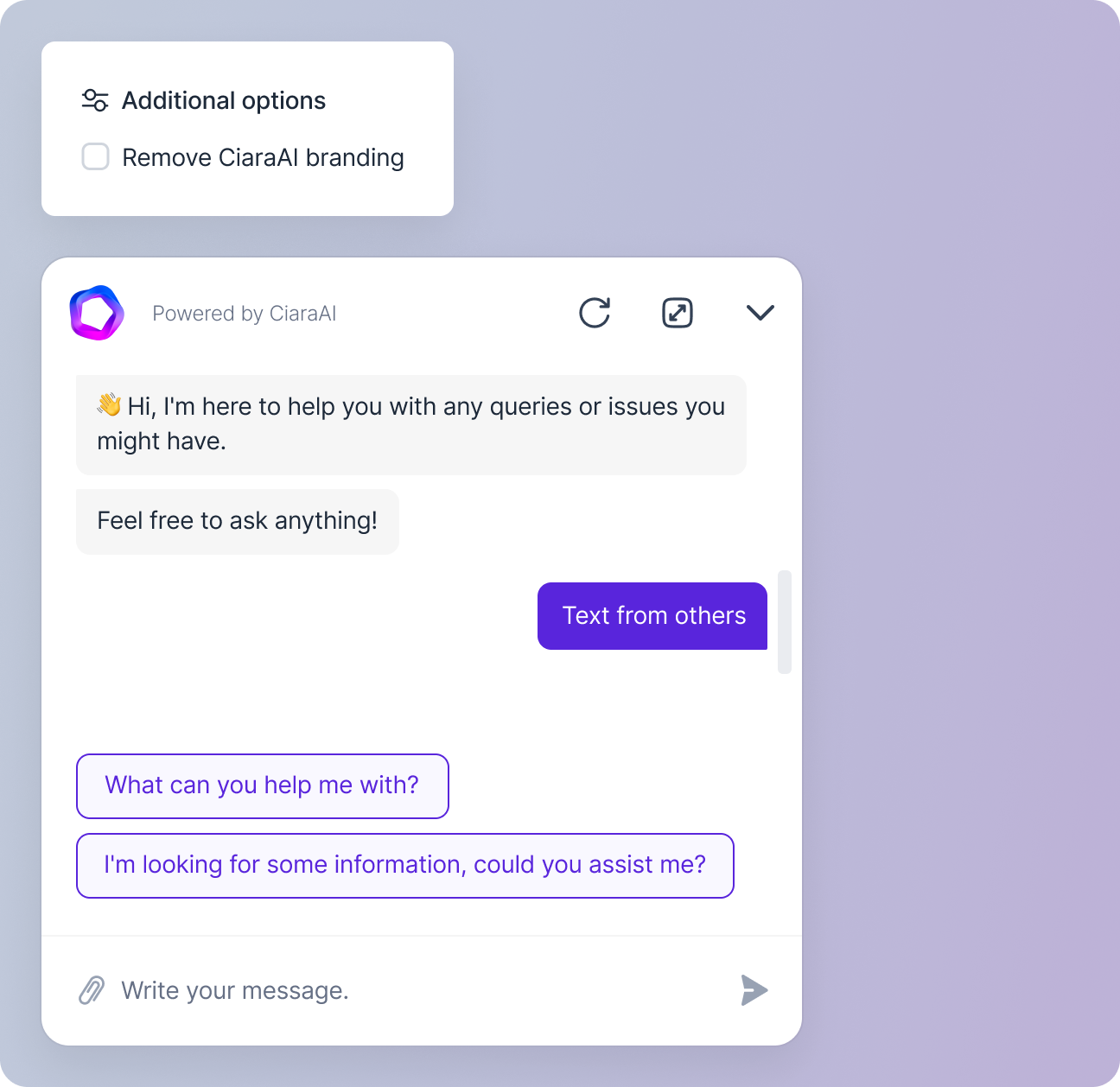 In the additional options section, you can decide whether to keep or remove the **Powered by CiaraAI** branding on the chat interface through the **Remove CiaraAI branding**
checkbox.
In the additional options section, you can decide whether to keep or remove the **Powered by CiaraAI** branding on the chat interface through the **Remove CiaraAI branding**
checkbox.