> ## Documentation Index
> Fetch the complete documentation index at: https://docs.ciaraai.com/llms.txt
> Use this file to discover all available pages before exploring further.
# Review & Create
> This section provides a summary of all the details you've entered while creating your sales agent. It's a read-only view, allowing you to confirm the information you've provided.
## Viewing Details
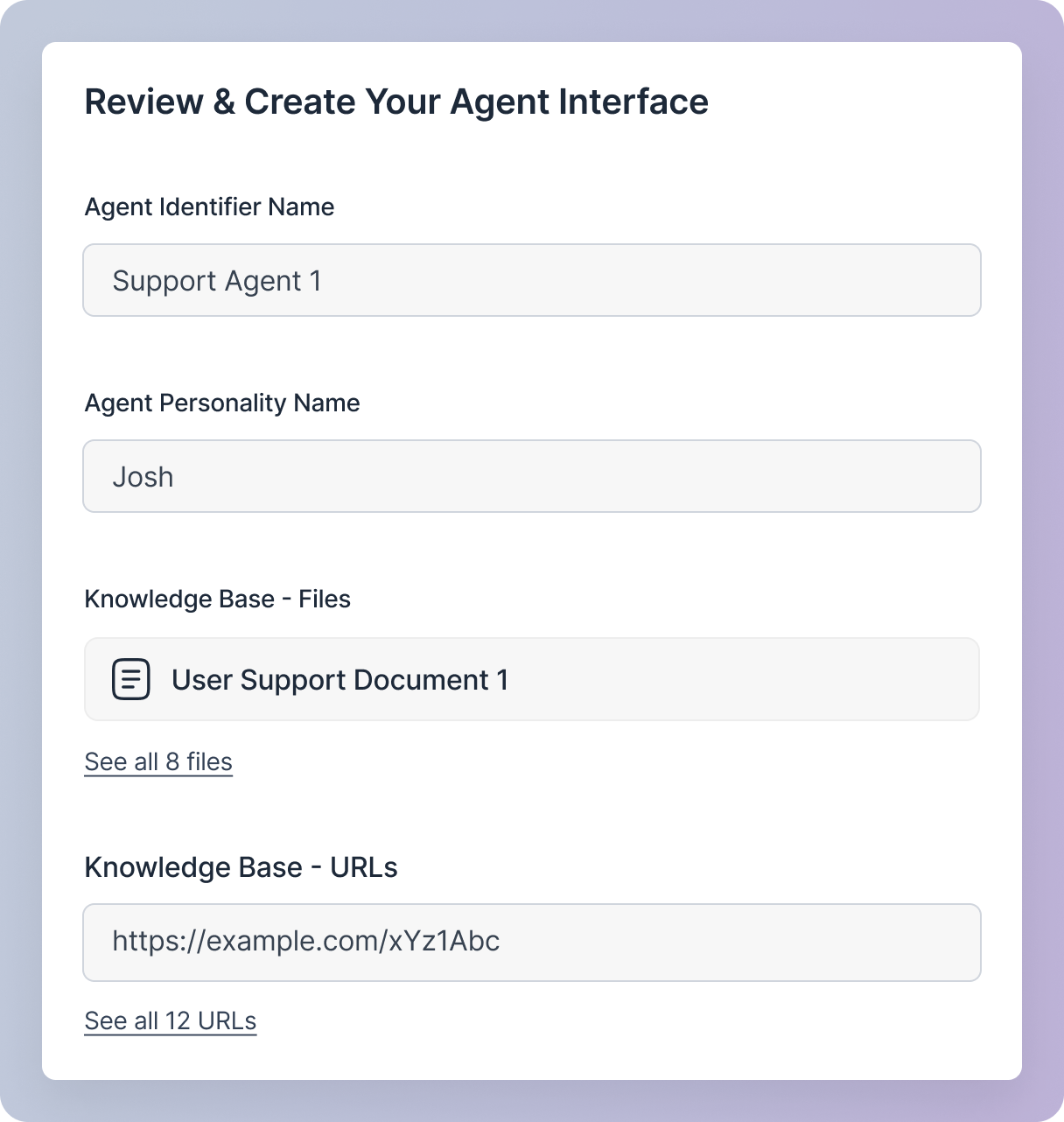 You can only view, not edit, any data in this section. To edit any data, click on the respective field, which will take you to the corresponding step in the agent creation process where you can make changes.
## Error Handling
You can only view, not edit, any data in this section. To edit any data, click on the respective field, which will take you to the corresponding step in the agent creation process where you can make changes.
## Error Handling
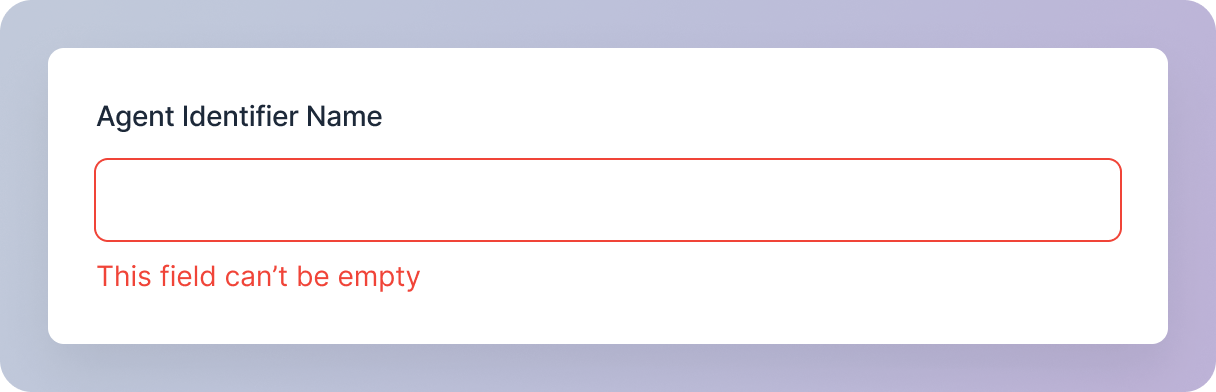 If there are any errors, such as empty fields or invalid data, they will be displayed on this screen. Clicking on an error field will take you to the corresponding step in the agent creation process to enter the correct details.
## `Create agent` Button
If there are any errors, such as empty fields or invalid data, they will be displayed on this screen. Clicking on an error field will take you to the corresponding step in the agent creation process to enter the correct details.
## `Create agent` Button
 The `Create Agent` button will remain disabled until you provide all the required details. Once all necessary details are provided, you will be able to create your agent.