

There are two ways to delete an agent:
1. From the agent detail view:
- Navigate to the agent detail view.
- Click on the Delete icon button located in the header section.

2. From the agents table:
- In the agents table, locate the agent you wish to delete.
- Click on the action icon button on the agent’s row to open a pop-up menu.
- Select the “Delete” option from the pop-up menu.
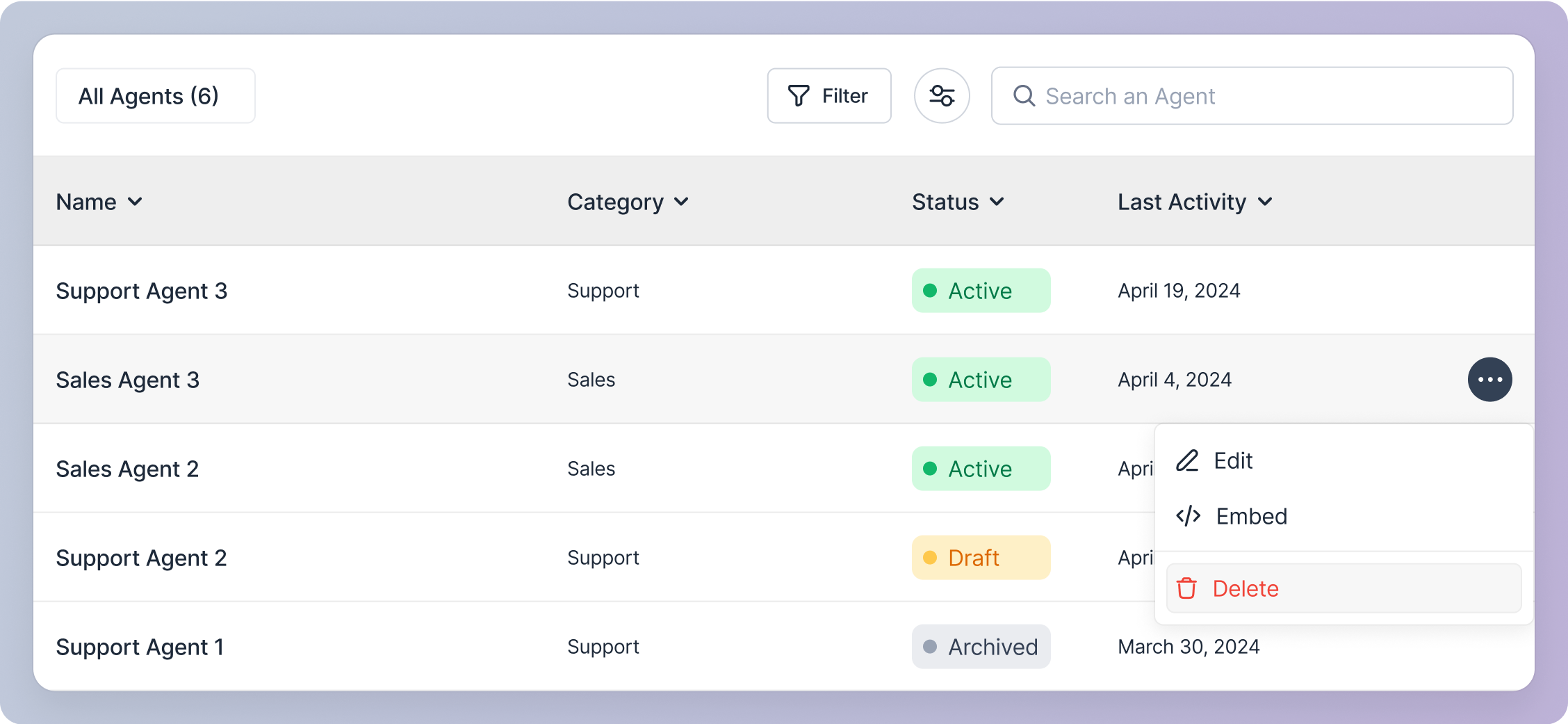
Upon clicking delete icon button or option:
Confirmation modal:
- You will see a confirmation modal asking you to confirm the deletion. This action is irreversible, and once deleted, the agent cannot be retrieved. So please ensure you want to delete the agent.
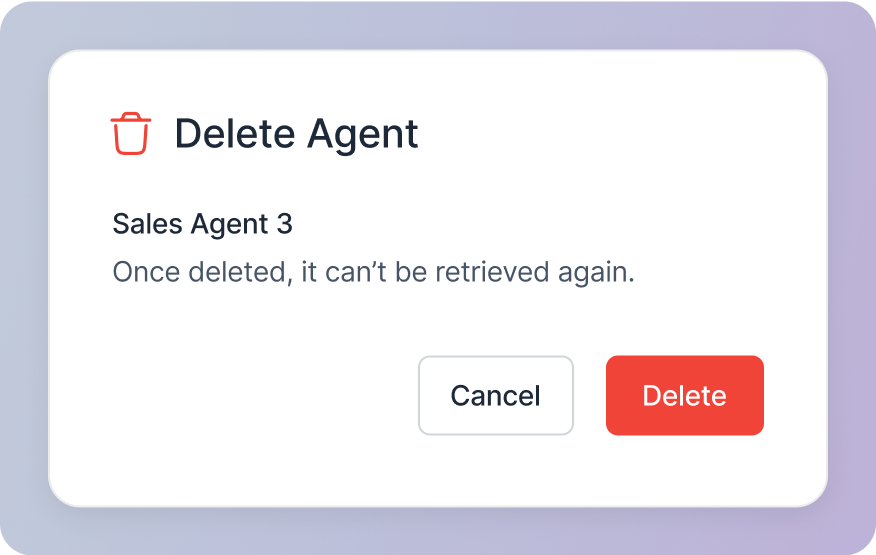
Confirm Deletion:
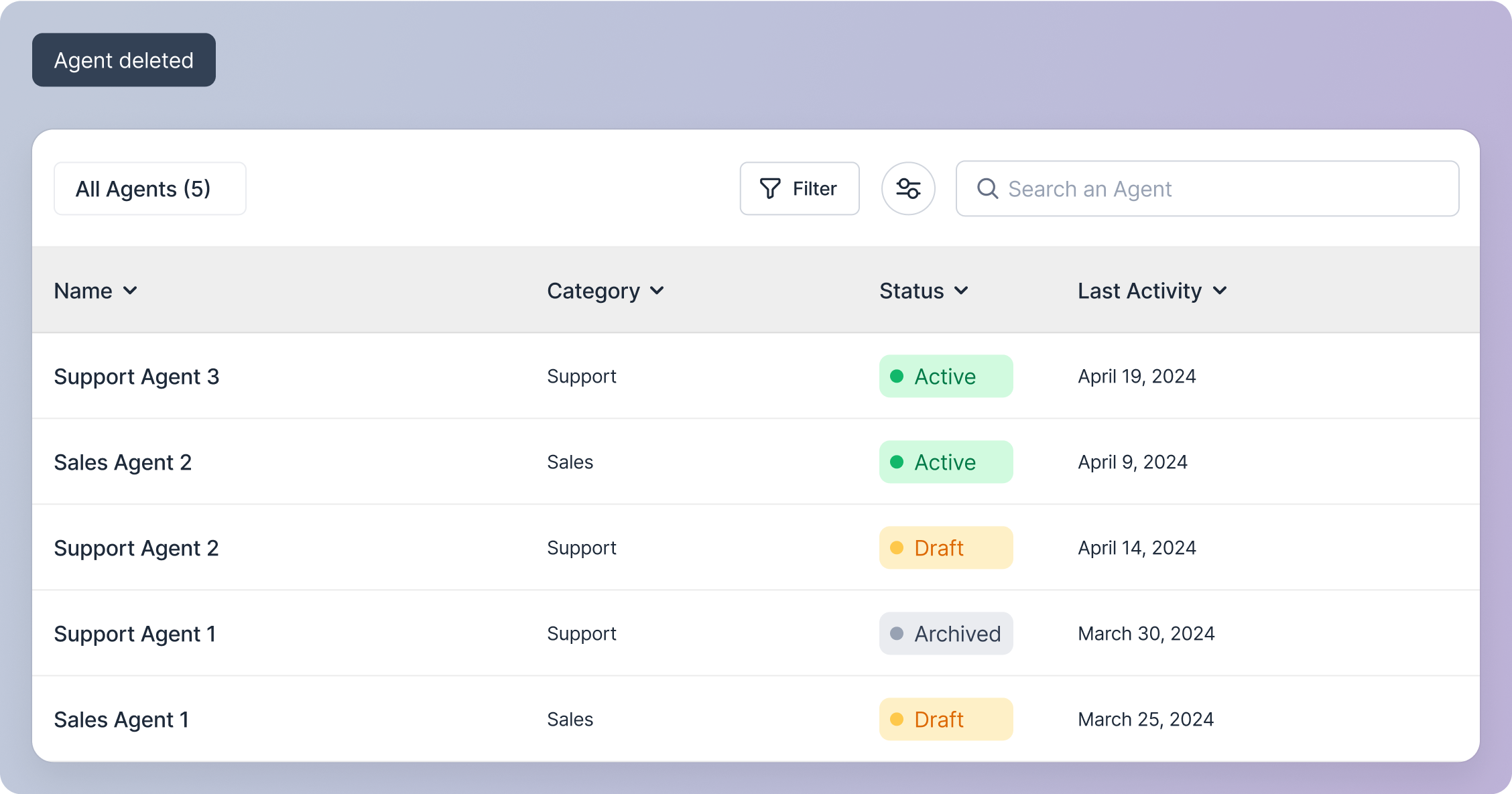
- If you click the “Delete” button on the modal, the agent will be deleted.
- You will be taken to the agent management screen.
- A snackbar notification will appear, confirming the agent’s deletion.
Cancel Deletion:
- If you click the “Cancel” button on the modal, the modal will disappear, and no action will be taken.