You can download files from the Knowledge Base Repository in two ways:
Download Single File
Download Multiple Files
1
First Step
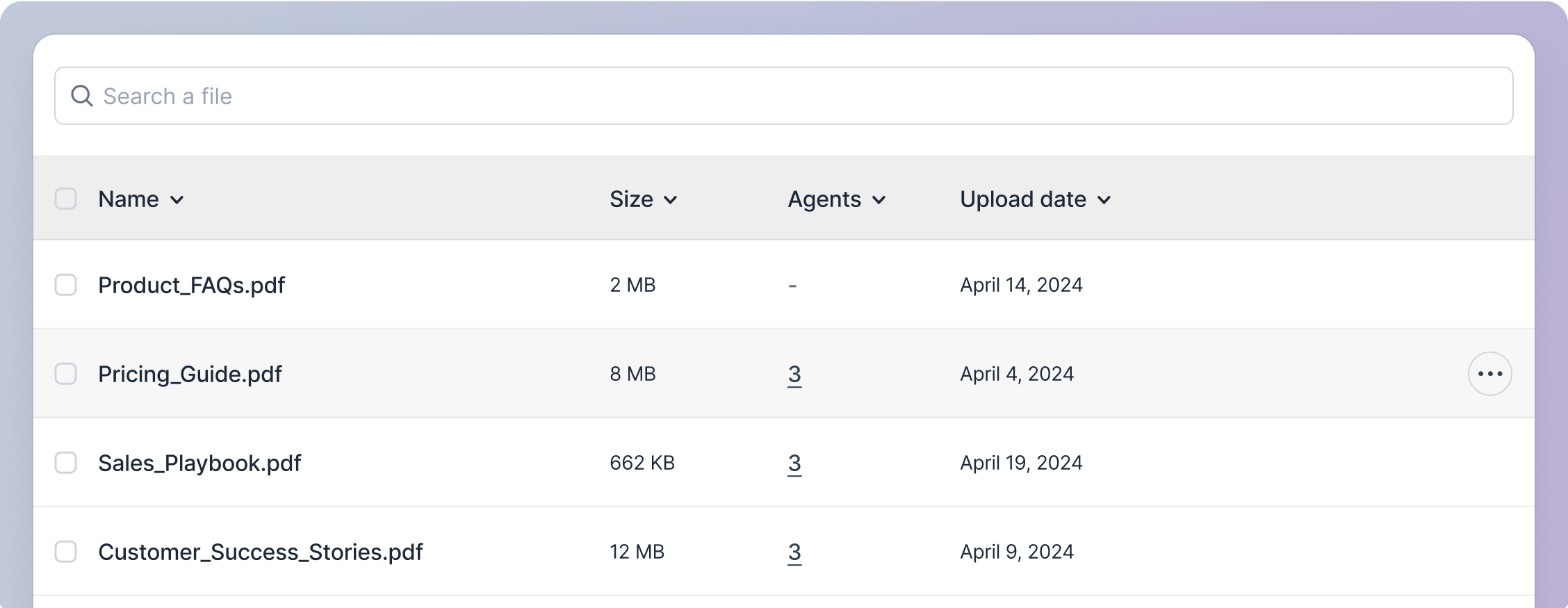
Hover over the desired file’s row. When the action icon button appears, click on it.
2
Second Step
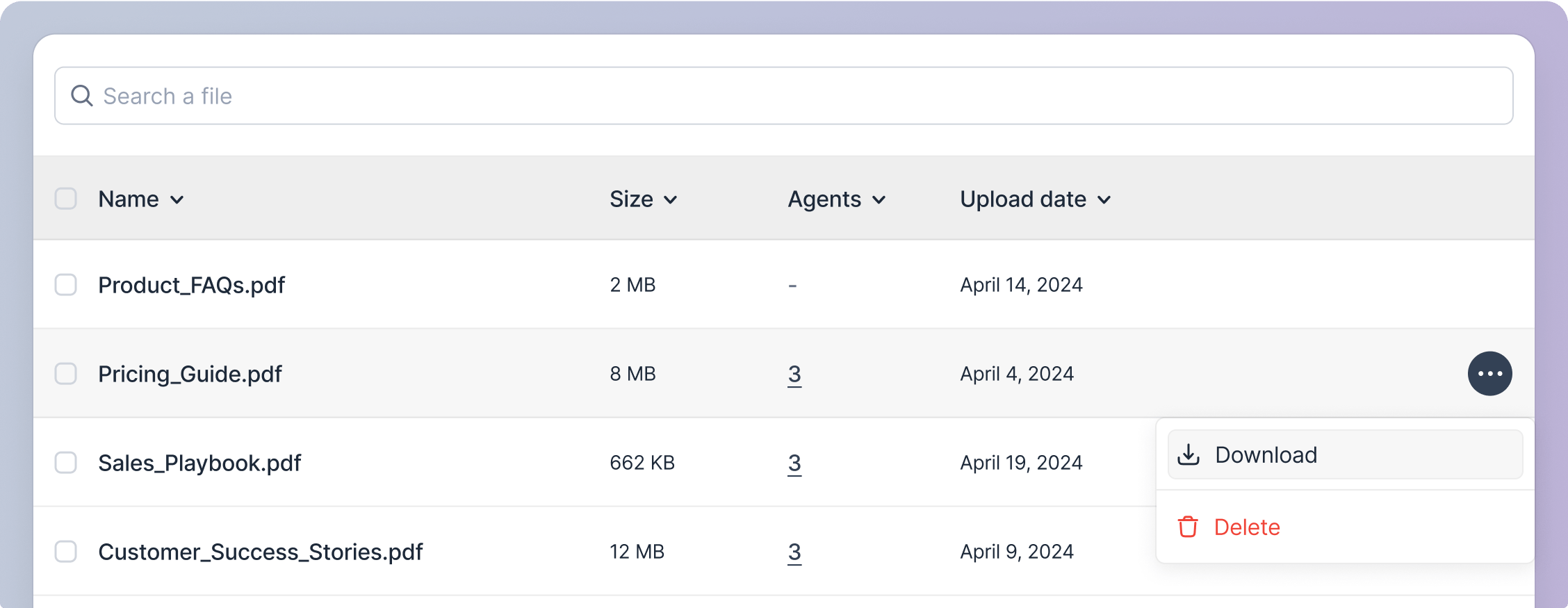
A pop-up menu will appear; click on the download option. The file will be downloaded.
1
First Step
Select the files you want to download by clicking on the checkbox adjacent to the file name. To select all files, click on the checkbox adjacent to the column header “Name”.
2
Second Step
Once any files are selected, a download button will appear in the header section of the ‘Knowledge Base Repository’ screen. Click on this button to download all the selected files.