- Delete Single File
- Download Multiple Files
1
First Step
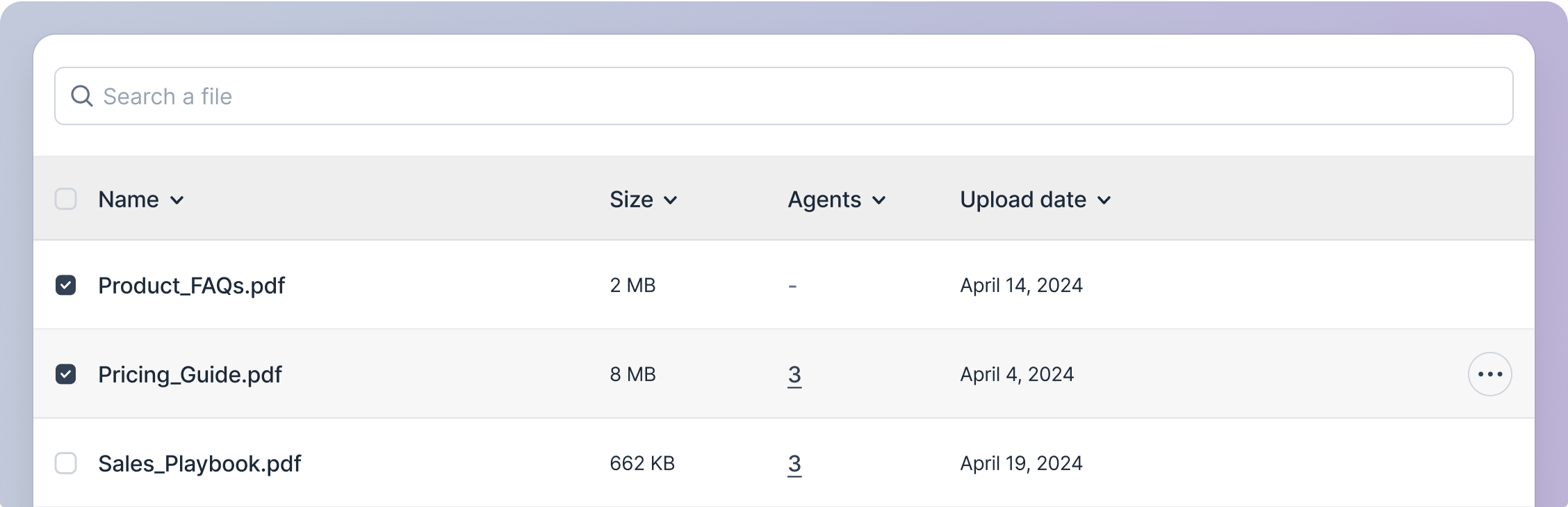
Hover over the file’s row. When the action icon button appears, click on it.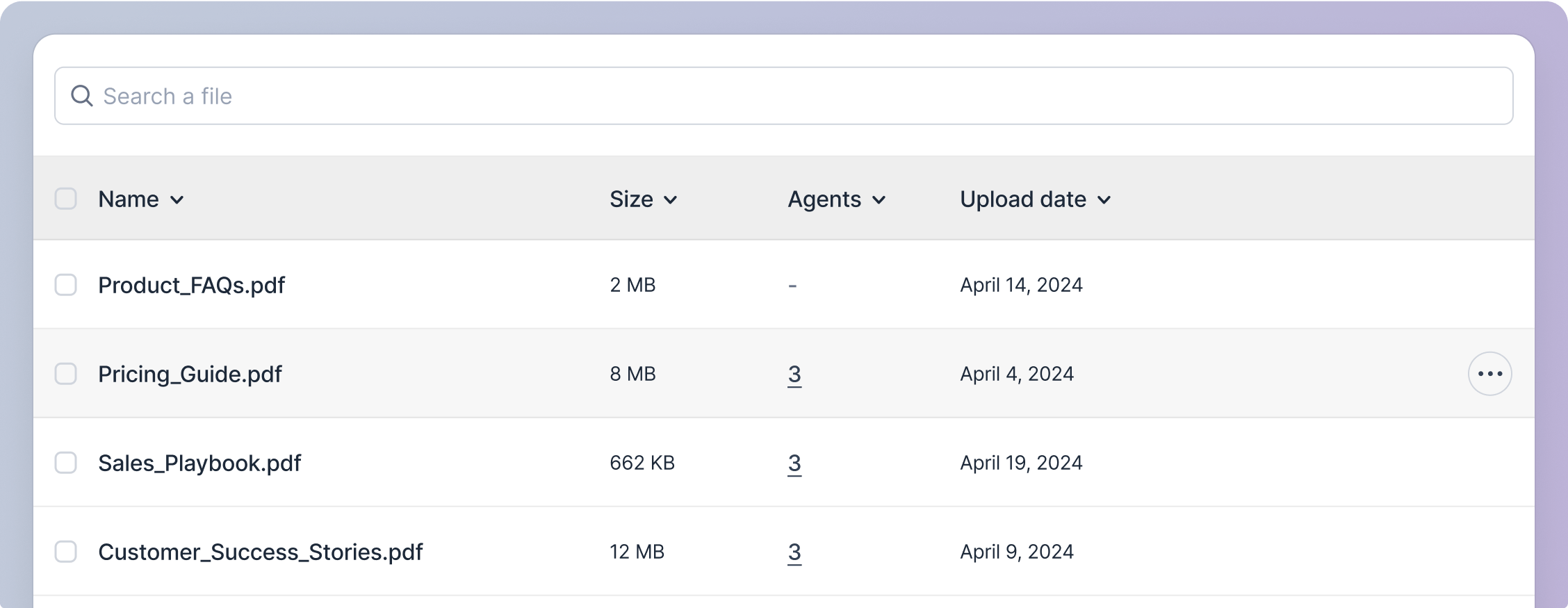
2
Second Step
A pop-up menu will appear; click on the delete option.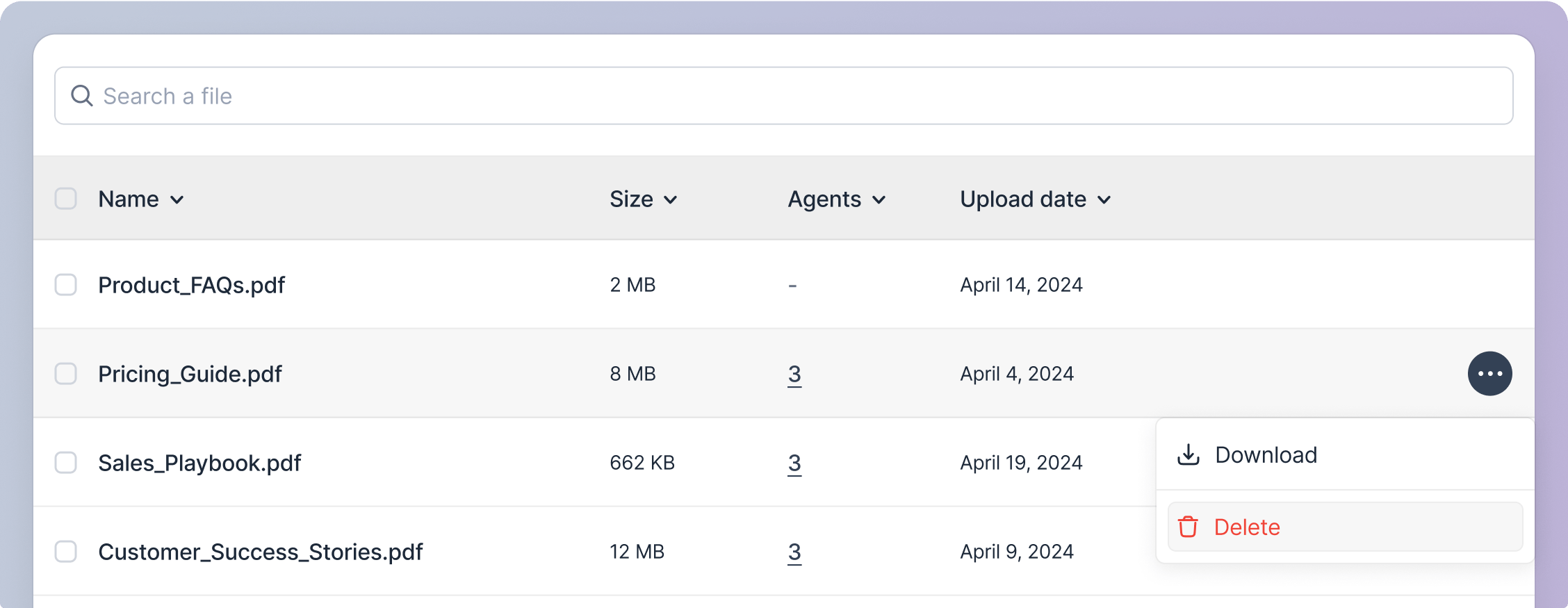
3
Third Step
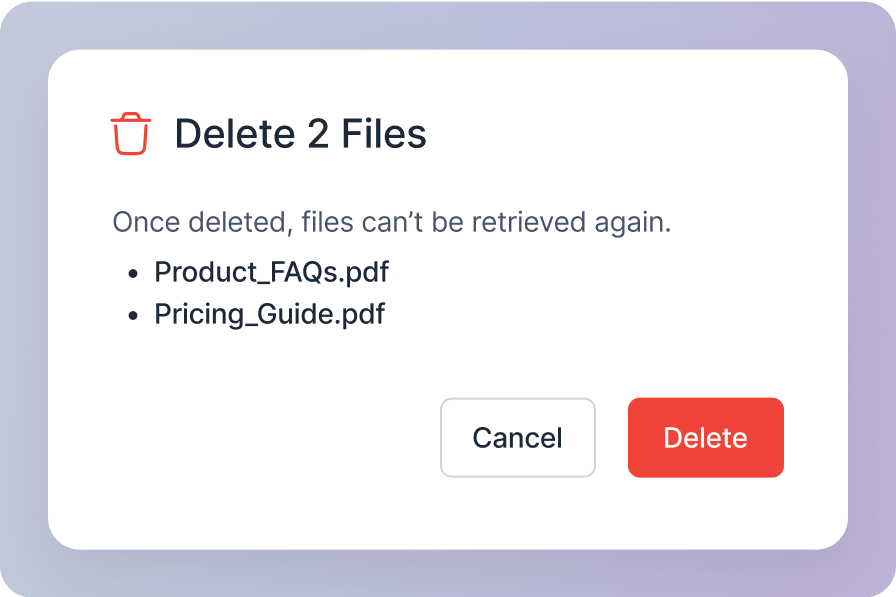
You will see a confirmation modal asking you to confirm the deletion. This action is irreversible, and once deleted, the file cannot be retrieved. So please ensure you want to delete the file.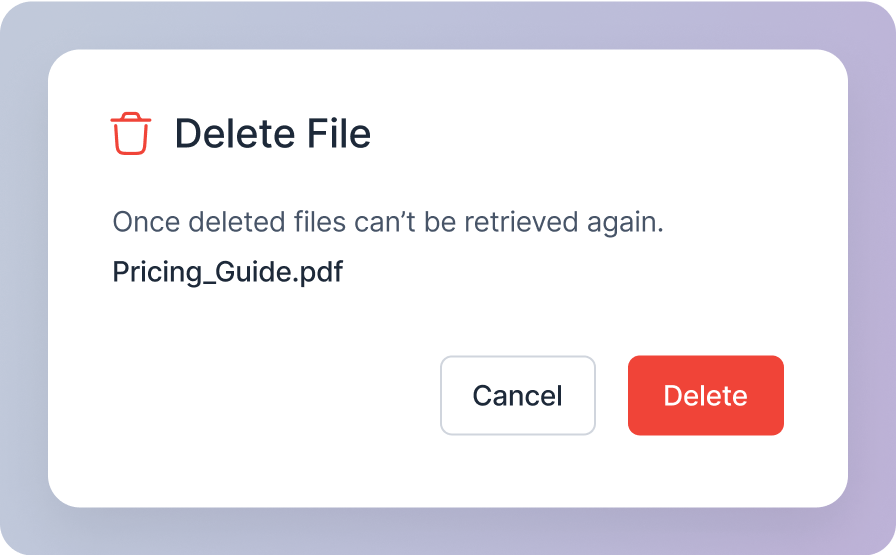
4
Fourth Step
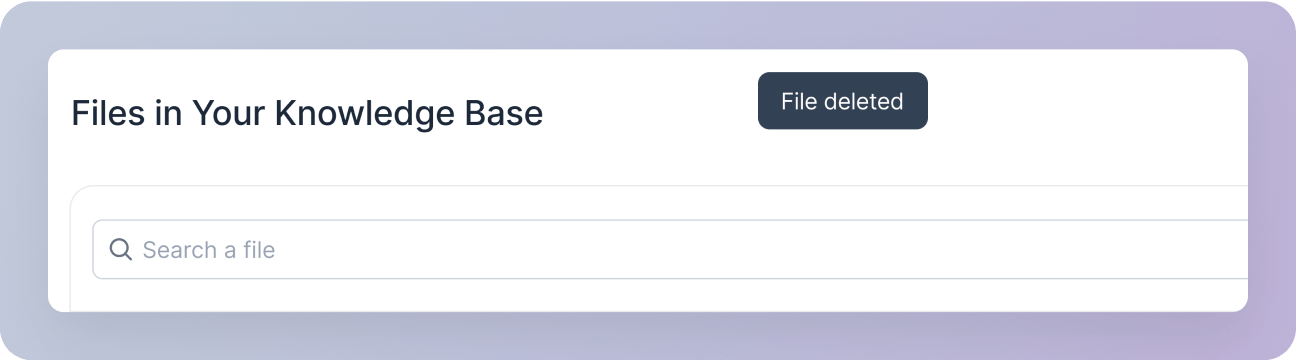
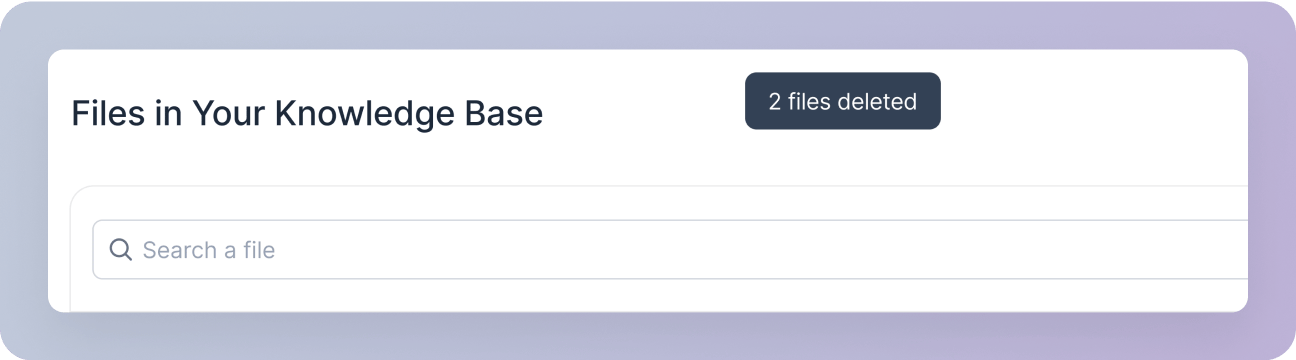
If you click the “Delete” button on the modal, the file will be deleted. A snackbar notification will appear, confirming the deletion.