

- Download See Download Multiple Files
- Delete See Delete Multiple Files
How to perform a bulk action:
1
Select Files
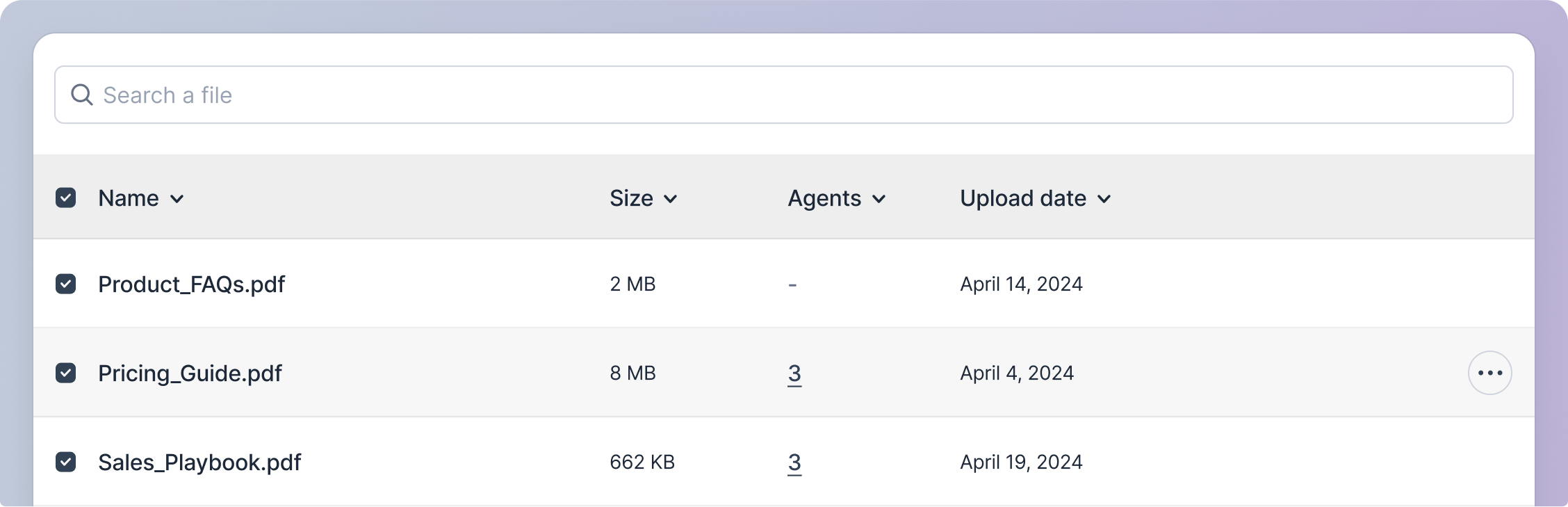
Click on the checkboxes adjacent to the file names in the file rows to select the files you want to perform an action on.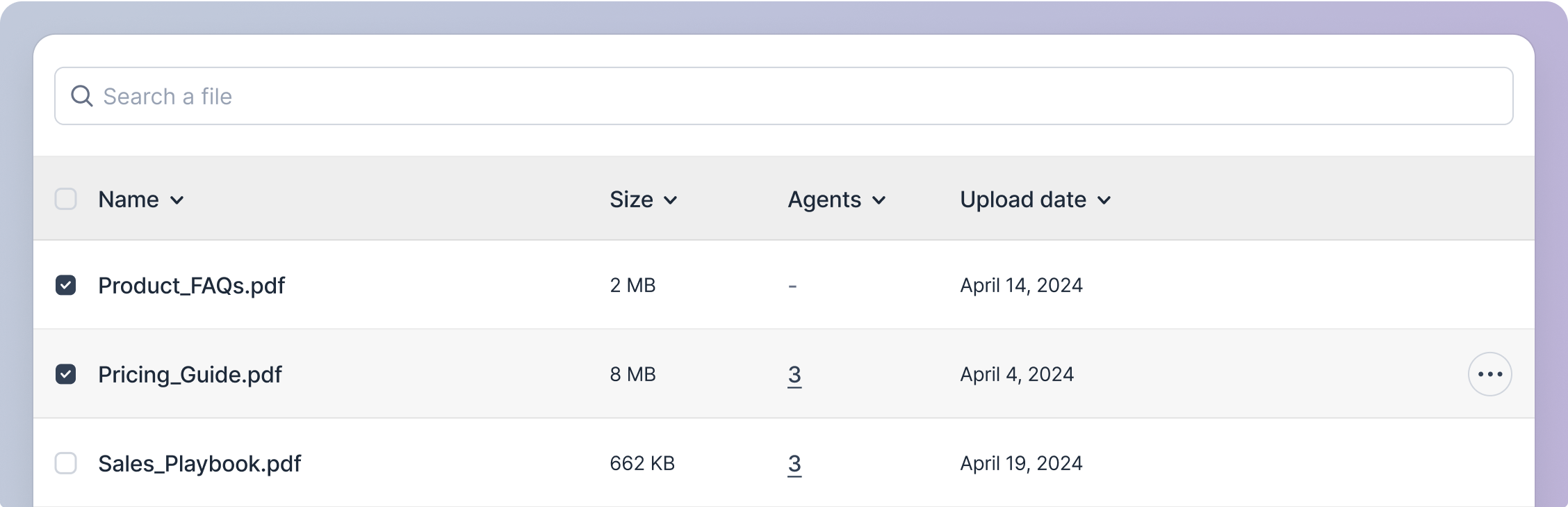
2
Bulk Action Buttons
Once any files are selected, the bulk action buttons will appear in the header section of the ‘Knowledge Base Repository’ screen.
3
Perform Action
Click on the desired action button to perform the action on the selected files.