Chat Bubble Interface
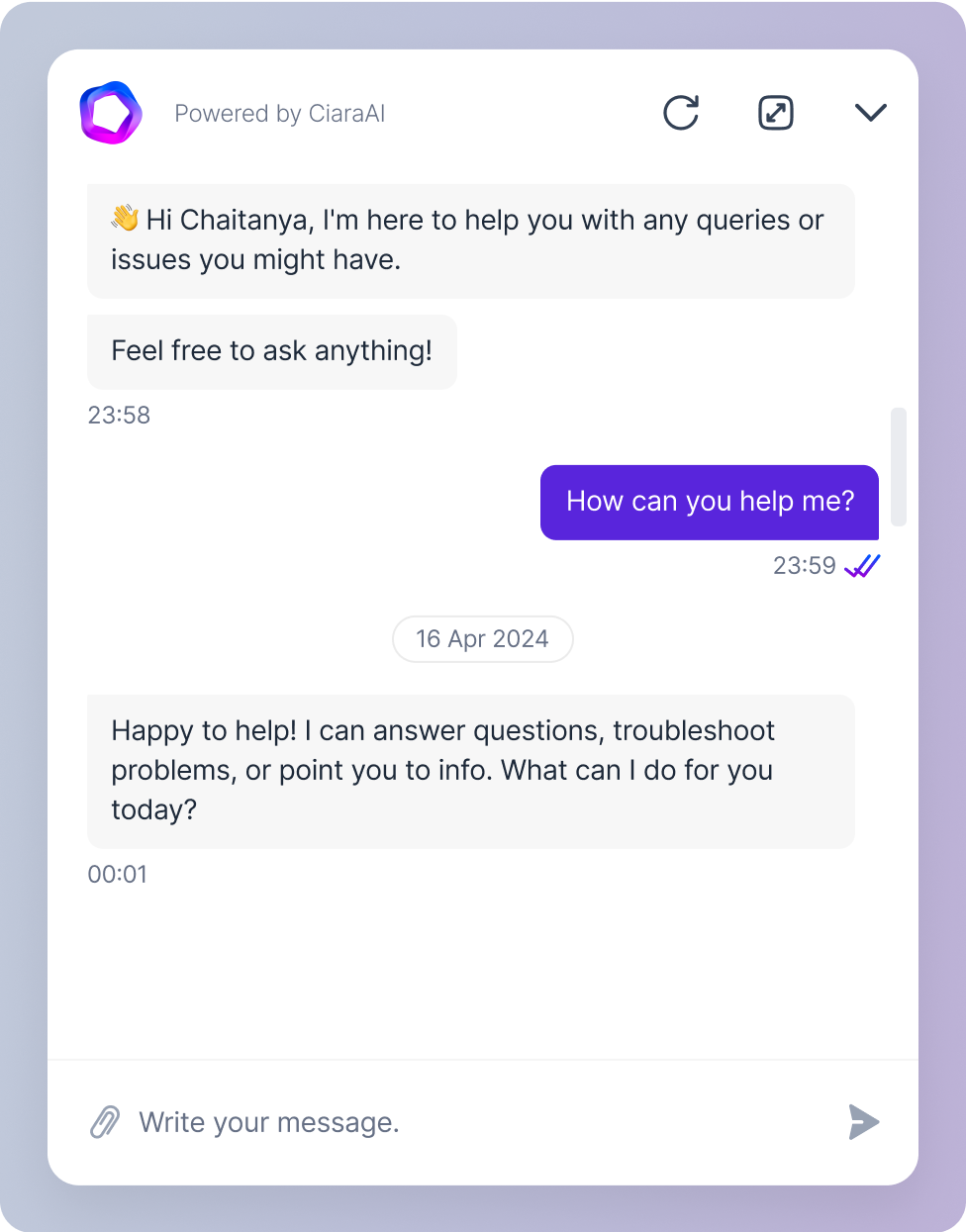
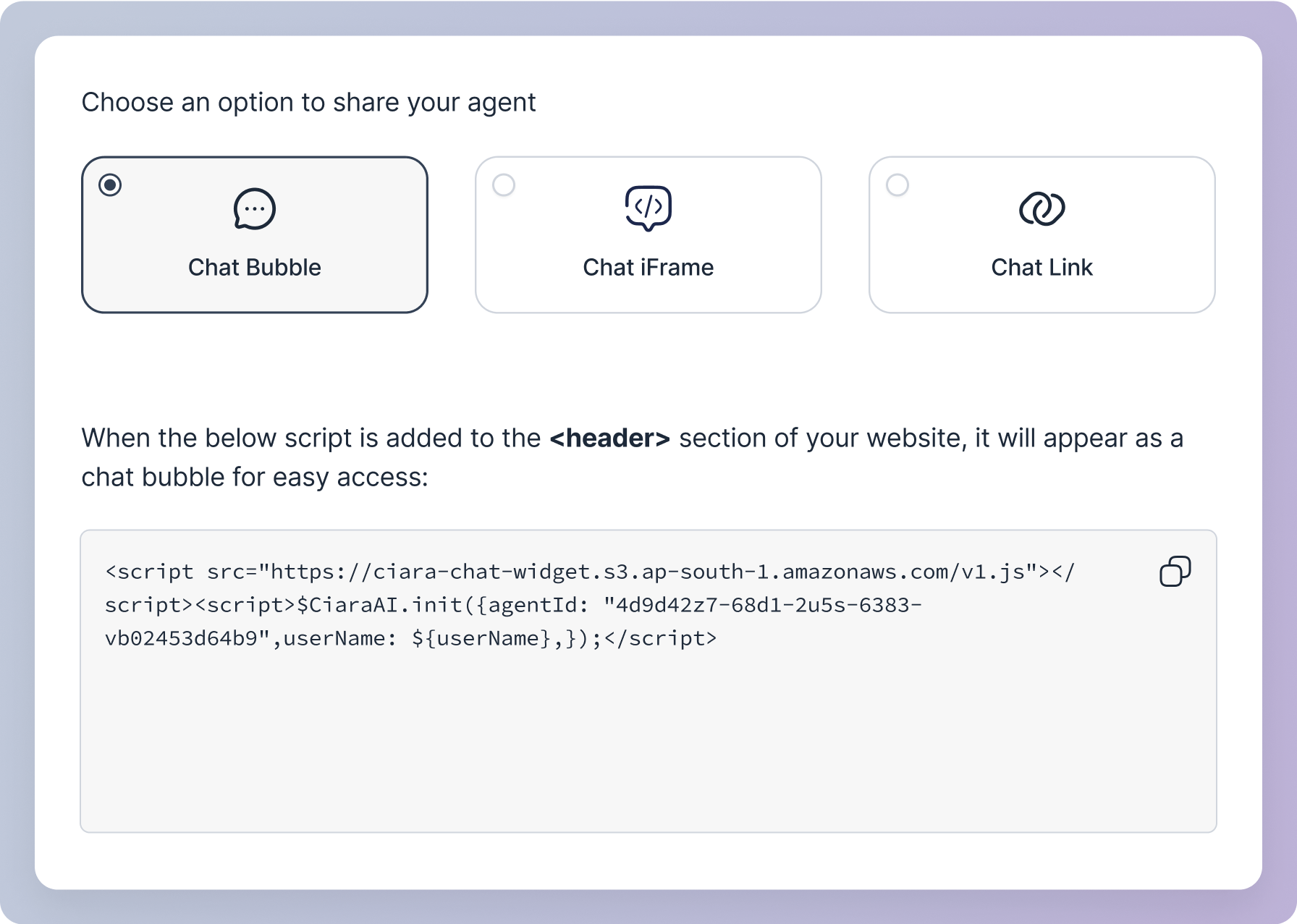
Add a floating chat bubble to the bottom right corner of your website or webapp. When users click the bubble, the chat interface opens up. This is useful for providing instant support or information on your website or webapp without disrupting the user’s experience.To add this to your site, insert the provided script into the <header> section of your website’s code.
iFrame
iFrame
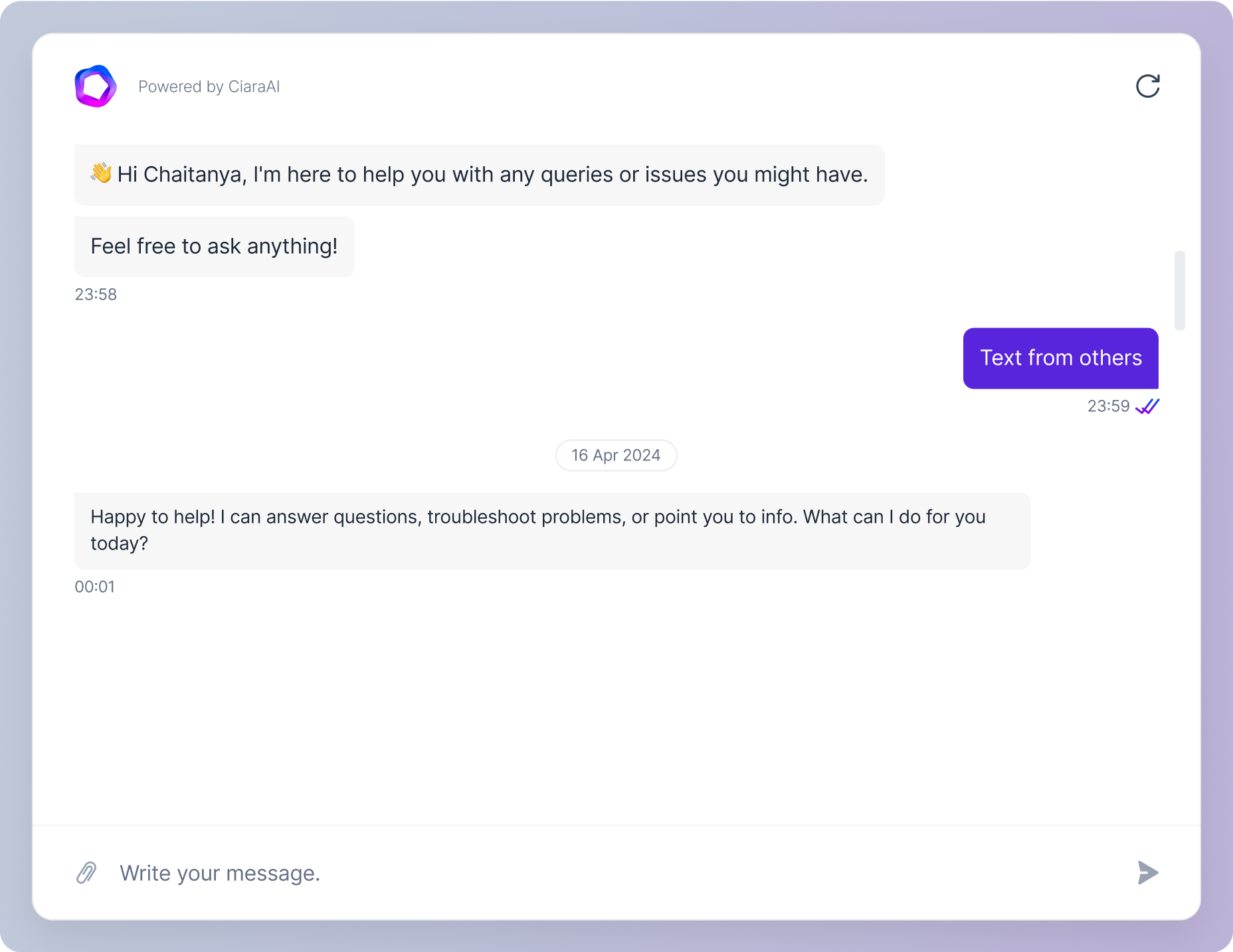
Embed the chat agent directly into a specific section of your webpage using an iFrame. This allows the chat interface to appear as part of the page content, making it easily accessible within the context of the page. It’s useful for integrating the chat feature into specific parts of your site, such as support pages or product information sections.Link
Link
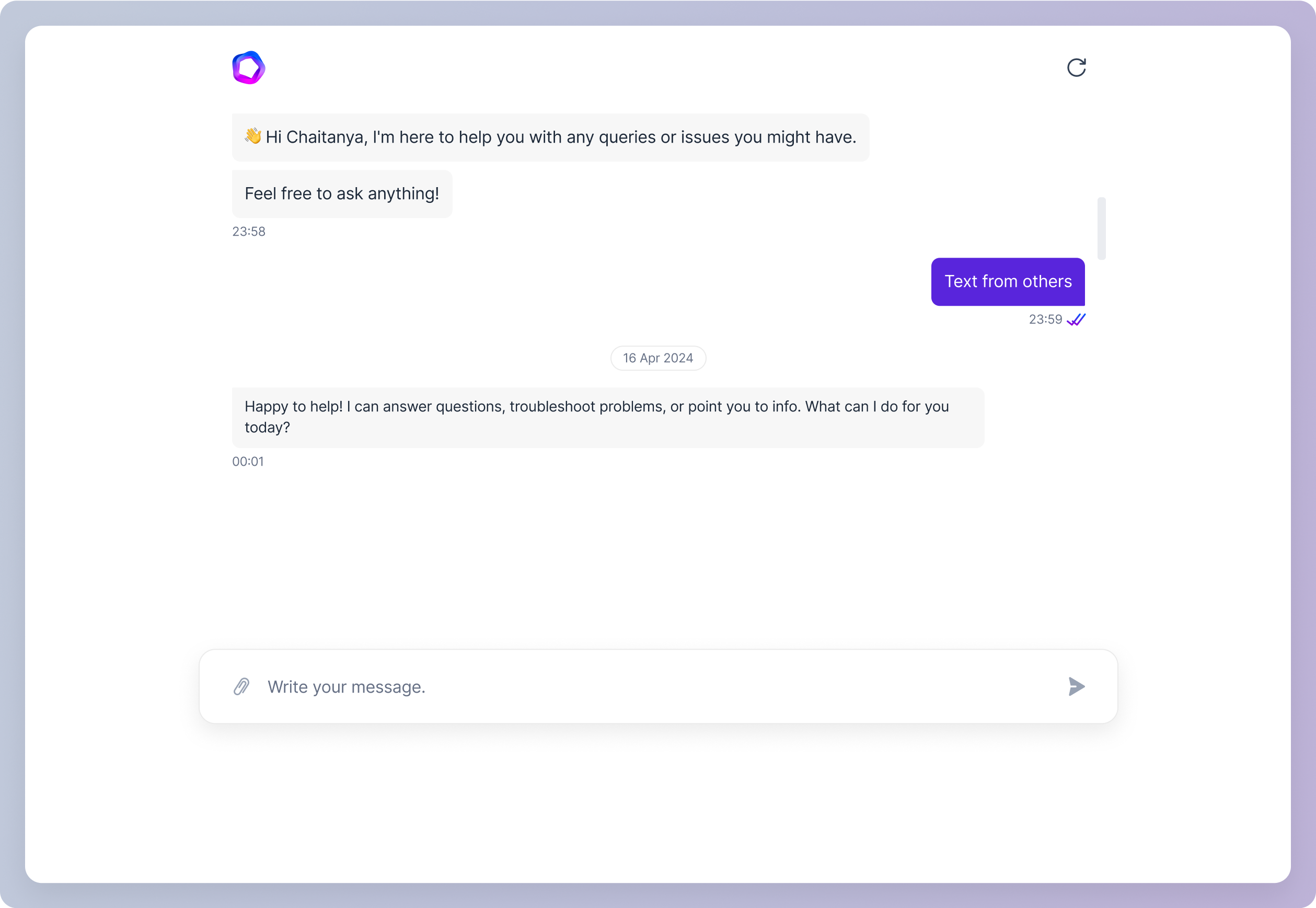
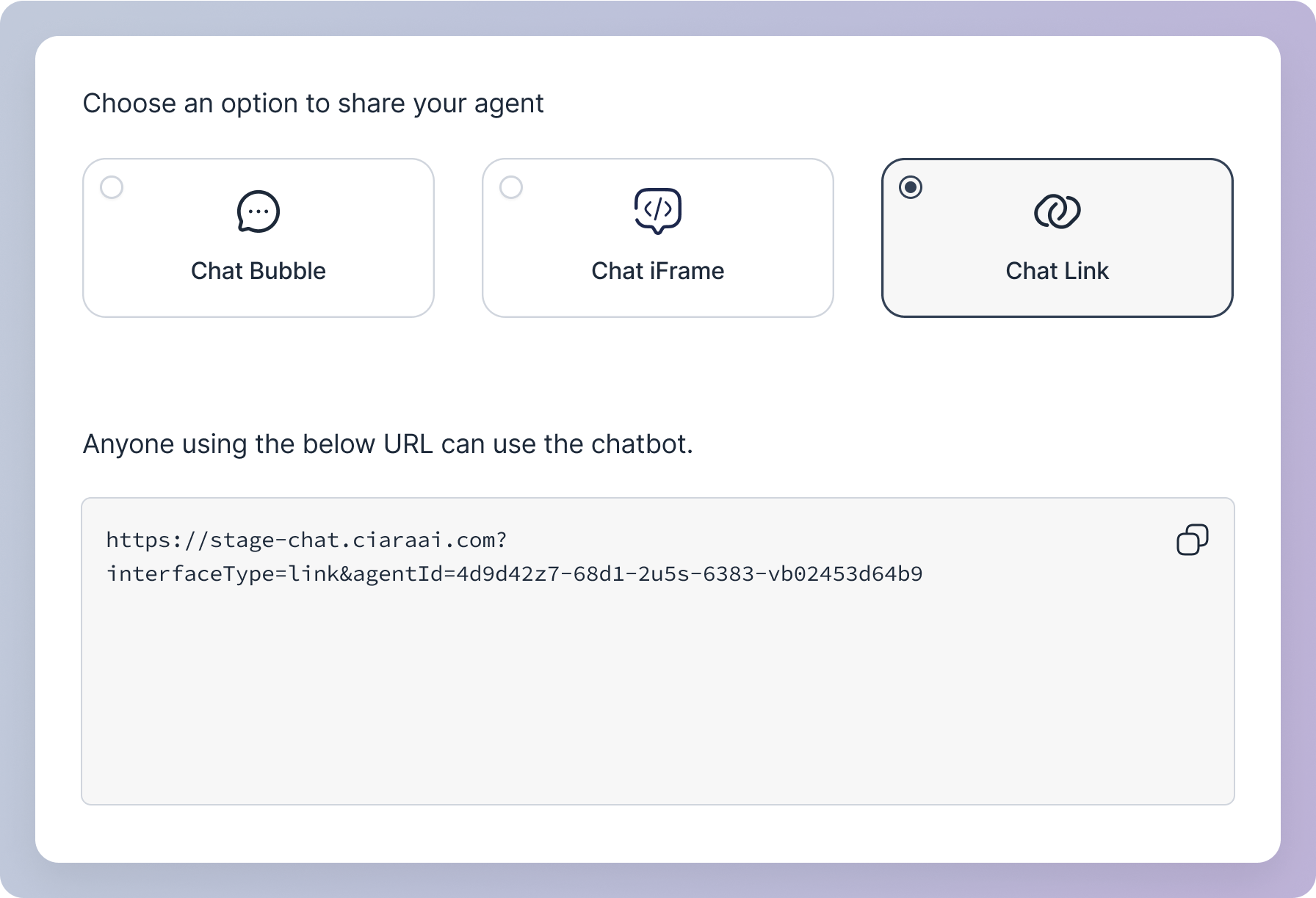
Share the chat agent through a direct link that opens a full chat window. You can send this link to anyone via email or messaging, giving them easy access to the chat agent. This is useful for reaching users outside of your website, such as in follow-up emails, newsletters, or social media, allowing them to interact with your chat agent from anywhere.The chat agent can be accessed and used by anyone who has the link.