Update Process
1
First Step
Initially, if no changes have been made or if there are invalid changes, the update button will remain disabled.
2
Second Step
The update button gets enabled upon making valid changes to the agent details.
3
Third Step
Upon clicking the 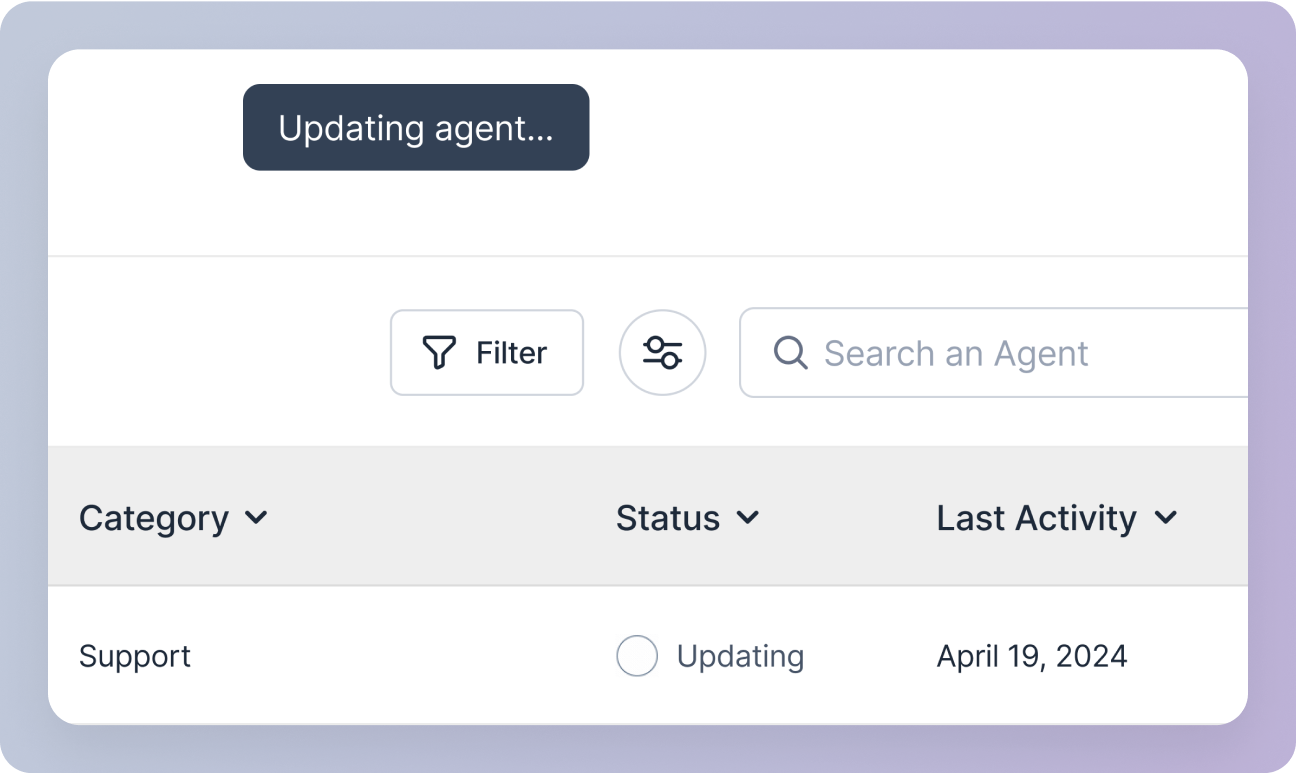
Update button:- The agent updating process will begin in the background.
- You will be redirected to the agent management screen, where the agent status will display as “Updating” in the agents table.
4
Fourth Step
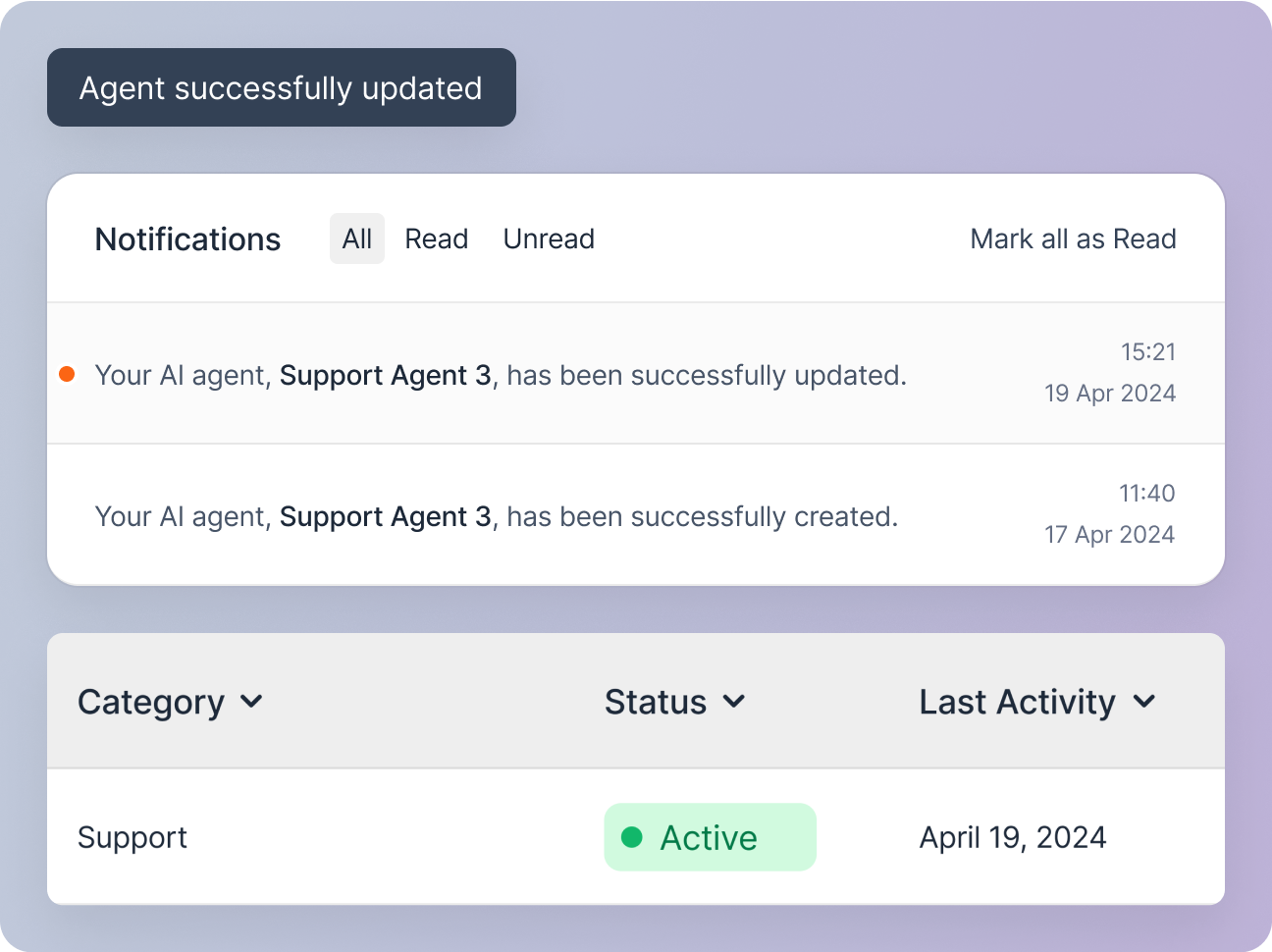
Upon successful update, a snackbar notification and a notification in your notification center will confirm the agent’s update and the agent status will display as “Active” in the agents table.