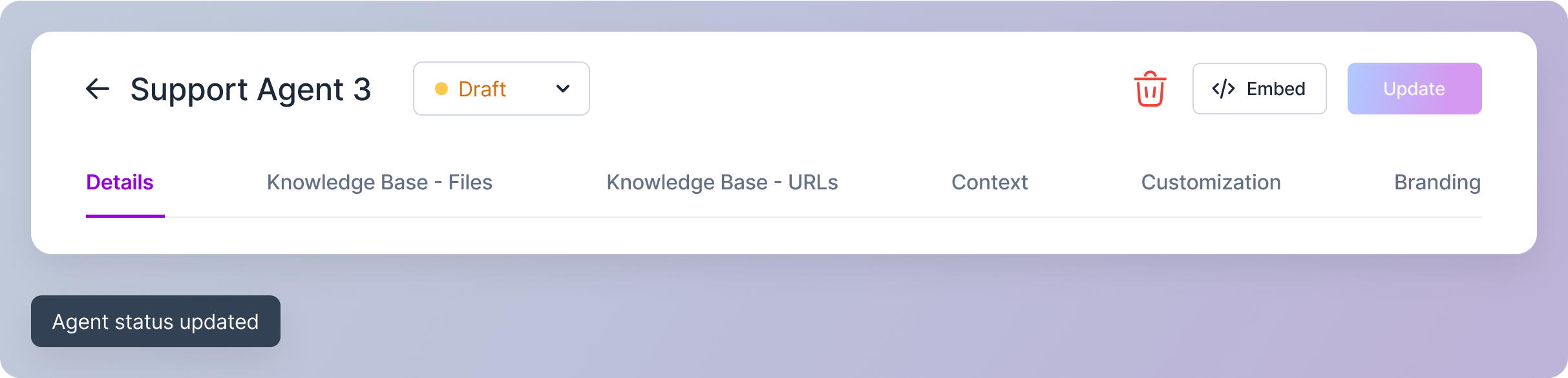
- Active: The agent is currently operational. When set to Active, your agent is live and ready to interact with your users.
- Draft: The agent is still under development or configuration. While in Draft mode, the agent is not accessible to users and cannot participate in live chats.
- Archived: The agent is no longer in use. You might choose to archive an agent if you no longer need it or want to keep it for reference purposes.
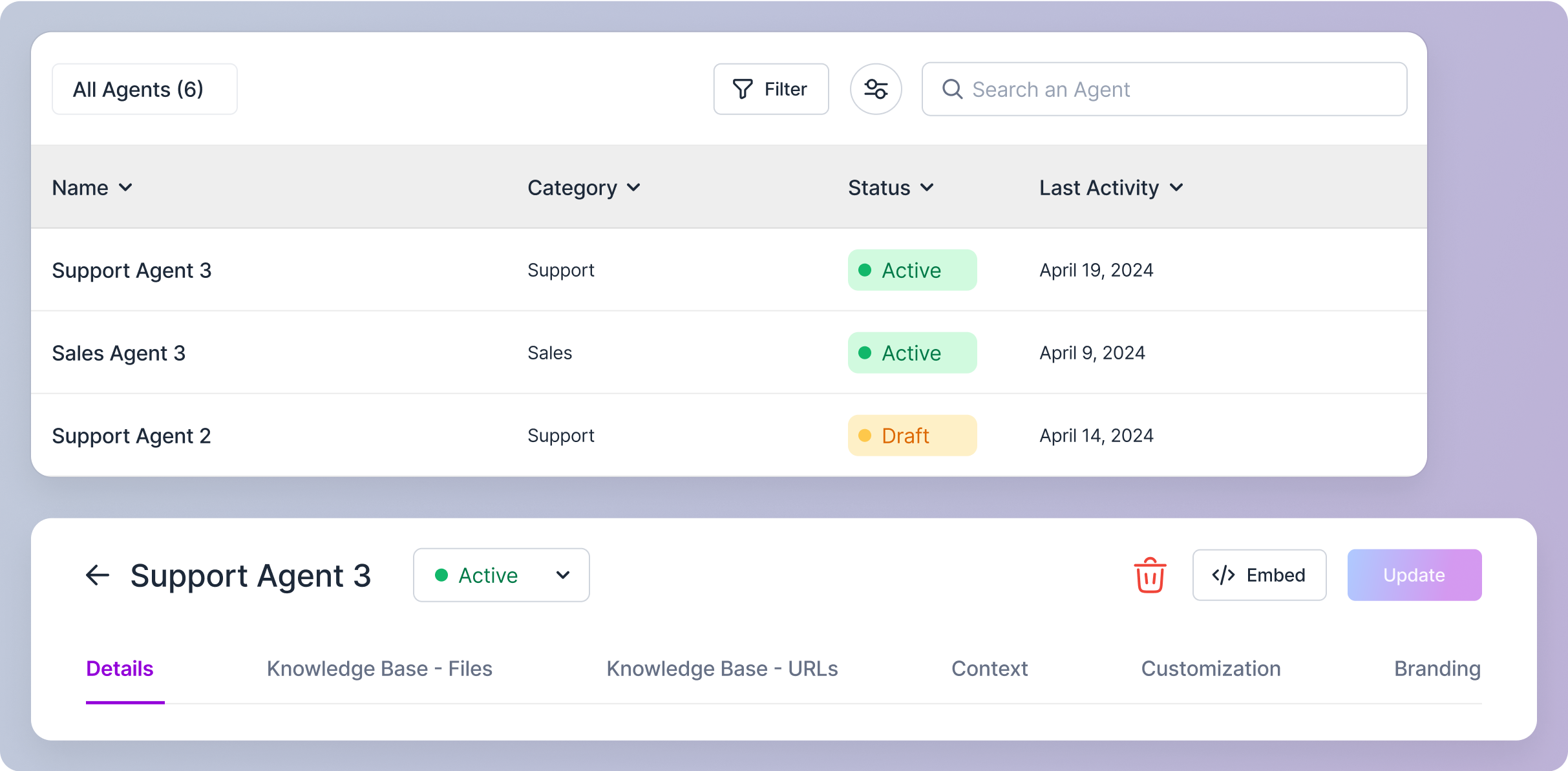
To change an agent’s status:
1
First Step
Click on the desired agent row in the agent list table. This will open the agent’s detail view.
2
Second Step
Locate the status dropdown menu next to the agent’s name in the header section.
3
Third Step
Select the new status (Active, Draft, or Archived) from the dropdown menu.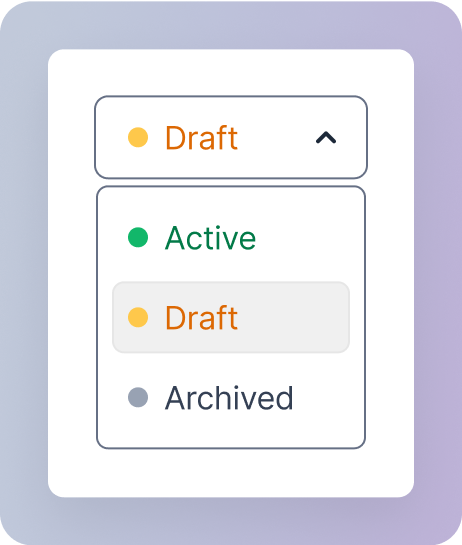
4
Fourth Step
The status change will be applied immediately, and you’ll receive a confirmation through a snackbar notification.