

Populating the Knowledge Base via File Upload
Users can input data into the Knowledge Base by uploading files. You can upload files either by clicking inside the upload area or by dragging and dropping files from your device. Multiple files can be uploaded at once.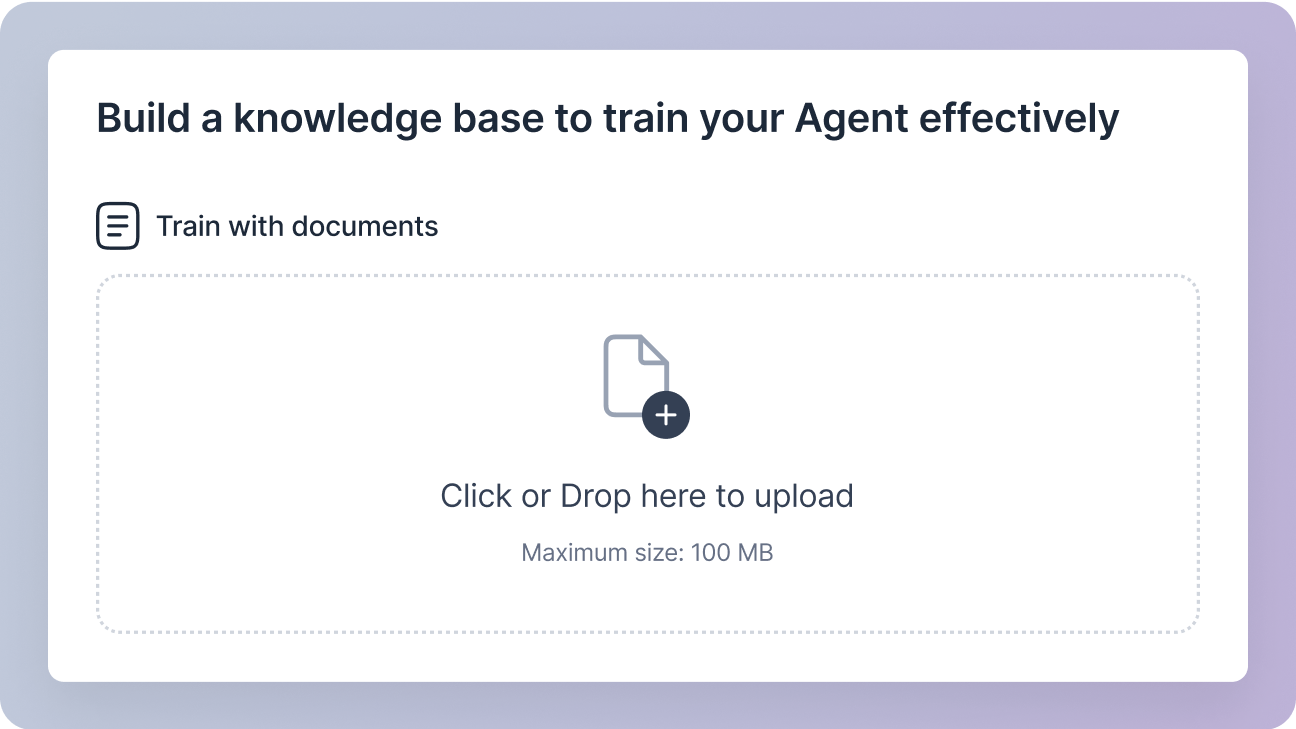
File Requirements:
Supported File format:PDF, TXT
Maximum file size: 100 MB
Populating the Knowledge Base via URLs
Users can also populate the Knowledge Base by providing URLs. The provided URLs are parsed, and agents are trained on the parsed data.
There are two types of URLs:
Include URLs: Data from these URLs is parsed and added to the agent’s Knowledge Base.Exclude URLs: Data from these URLs is excluded from the agent’s Knowledge Base.
Bulk Upload with CSV:
For a large number of URLs, you can upload a CSV file containing a list ofInclude and Exclude URLs. The system will automatically process the CSV and populate your knowledge base accordingly.
By using a combination of file uploads and URLs, you can efficiently create a comprehensive knowledge base that empowers your agents to deliver exceptional customer support.