1
Accessing the Filter Drawer
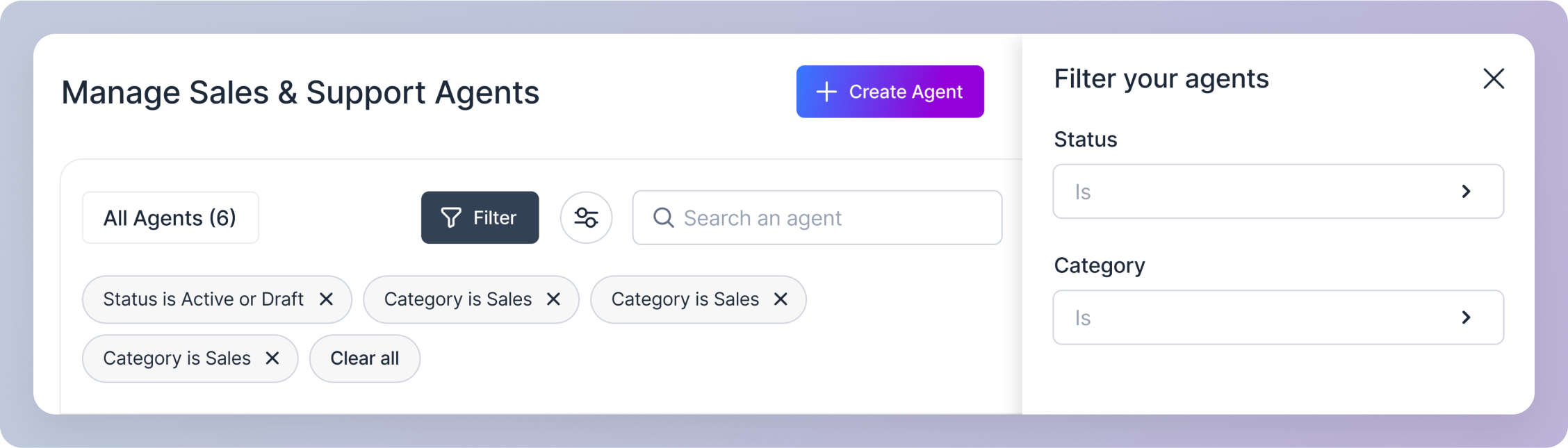
Click on the “Filter” button. This opens a drawer from the right edge of the screen.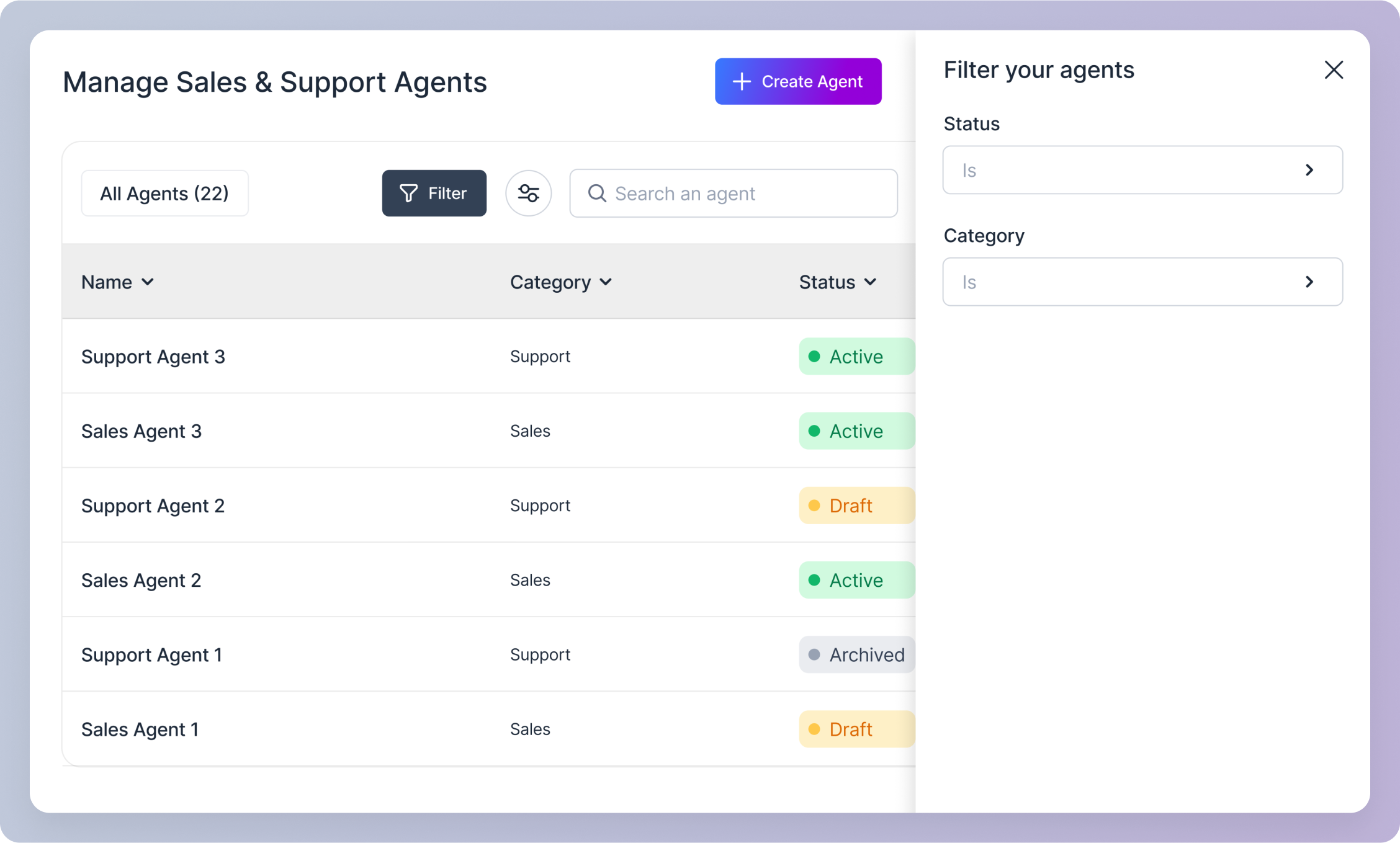
2
Applying Filters
Within the drawer, you’ll find two dropdown menus: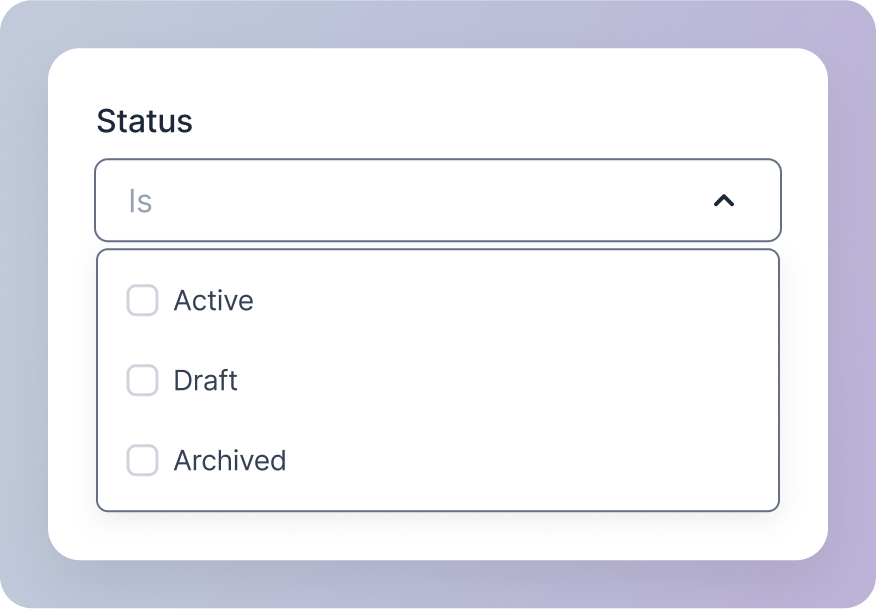
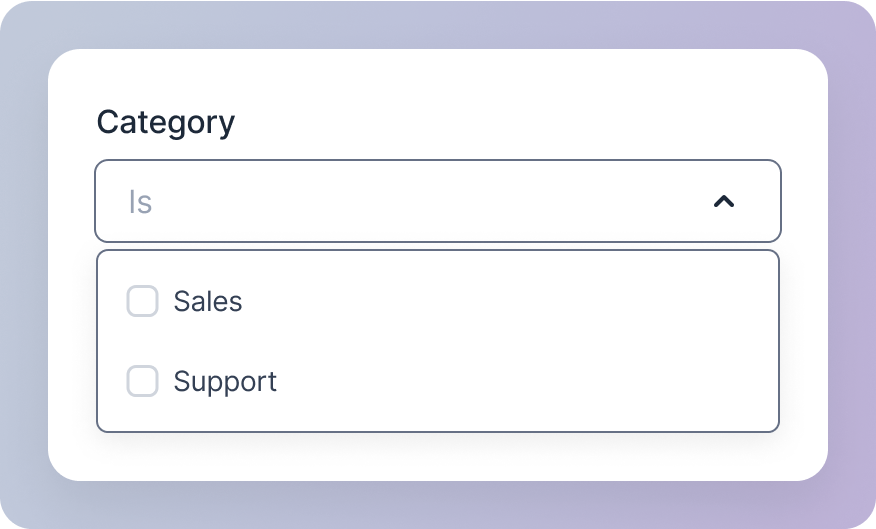
- Status: Filter agents based on their current status (Active, Draft, Archived). You can select one or more options using the checkboxes.
- Category: Filter agents by their category (Sales, Support). Again, select one or more options using the checkboxes.
3
Filter Updates
- Any selections made in the dropdowns will be reflected in the table immediately.
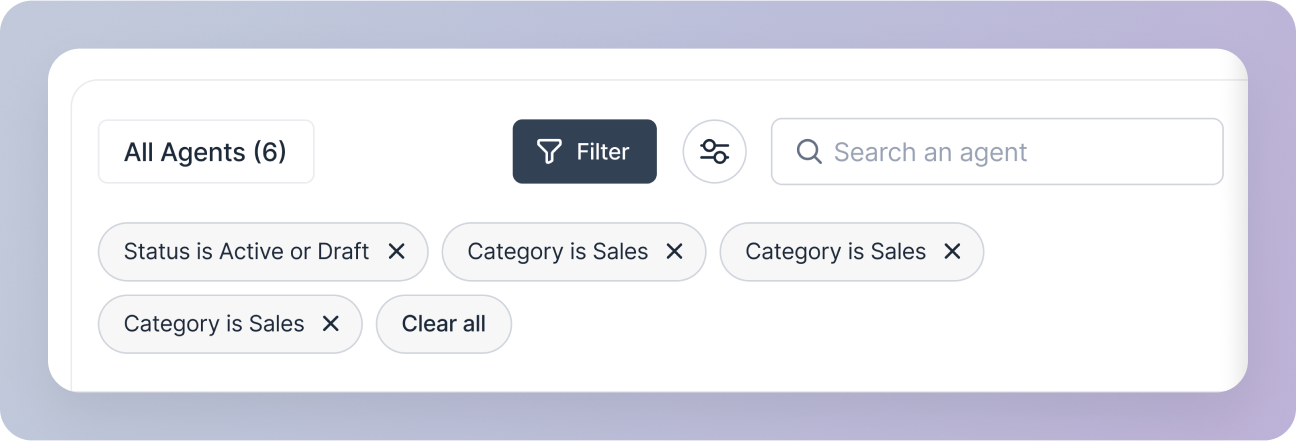
- A chip is generated for each active filter, providing a visual confirmation of your selections (e.g., “Status is Active”).
4
Clearing Filters
To remove a specific filter, click the close icon on the corresponding chip.