

Steps to Complete:
- Business Category Template
- Agent Details
- Knowledge Base - Files
- Knowledge Base - URLs
- Context
- Customization
- Branding
- Review & Create
Step-by-Step Guide:



Create agent button to start the creation process. This button will be enabled only after all required details are provided.
After Submission
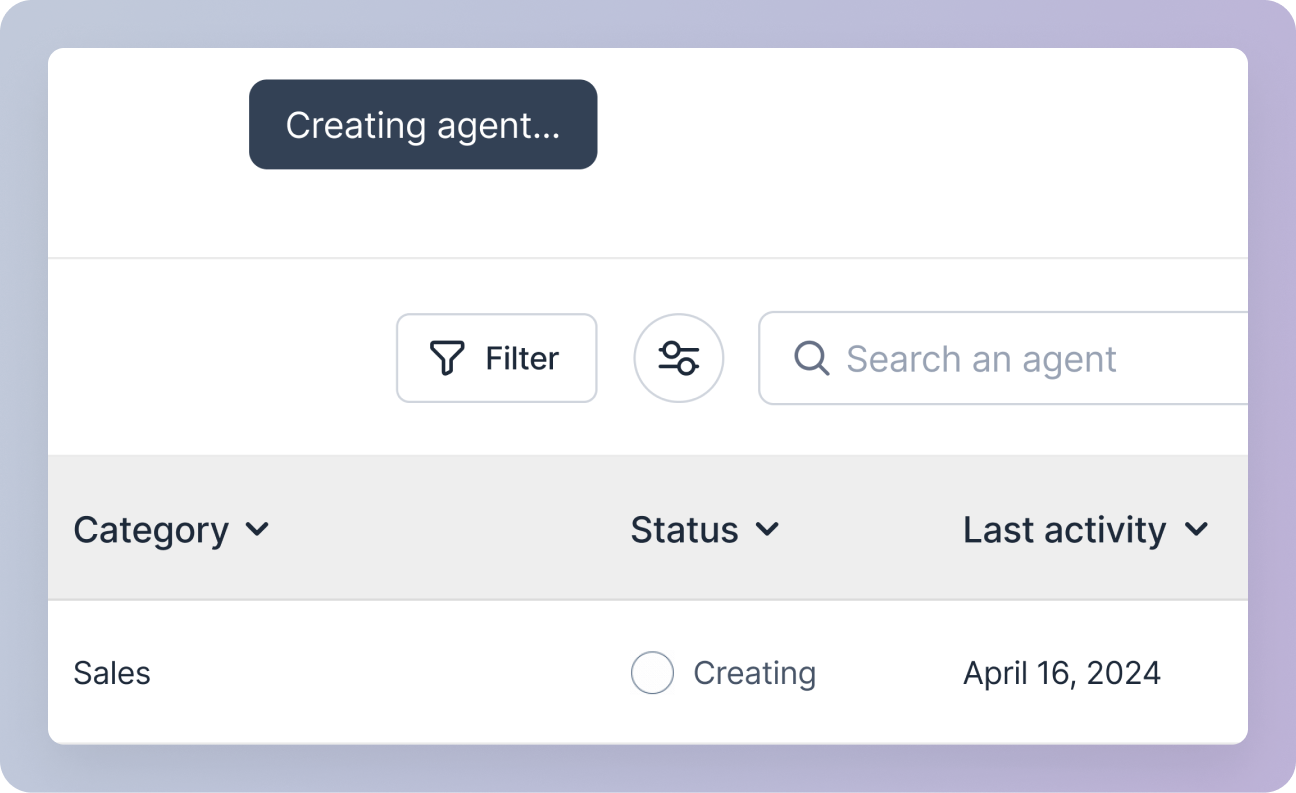
- The agent creation process will begin in the background.
- You will be redirected to the agent management screen, where the agent status will display as Creating in the agents table.
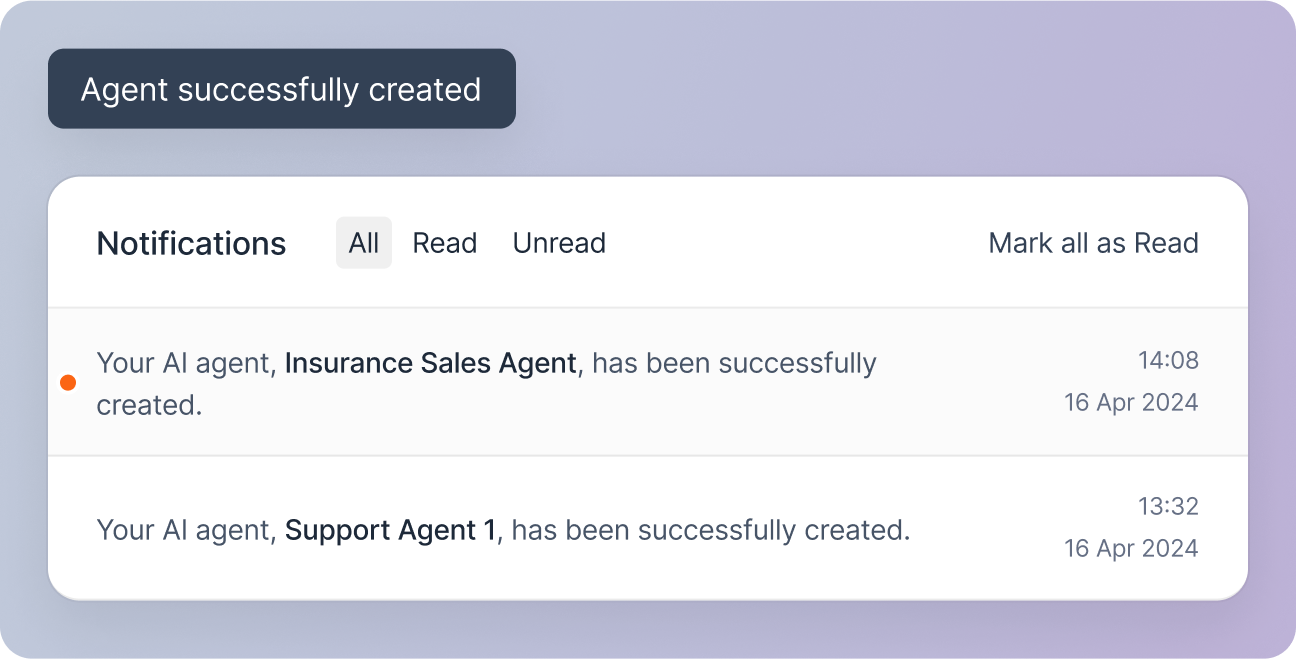
 Once created, you can access and manage your newly created agent.