

Viewing Details
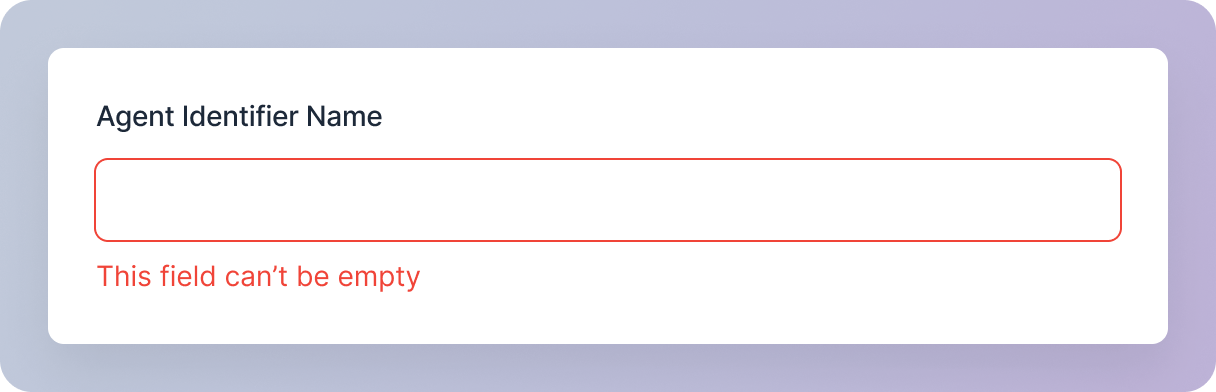
Error Handling
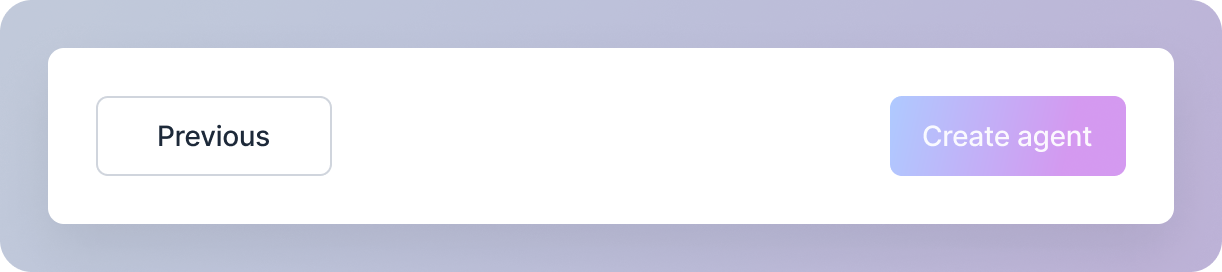
Create agent Button
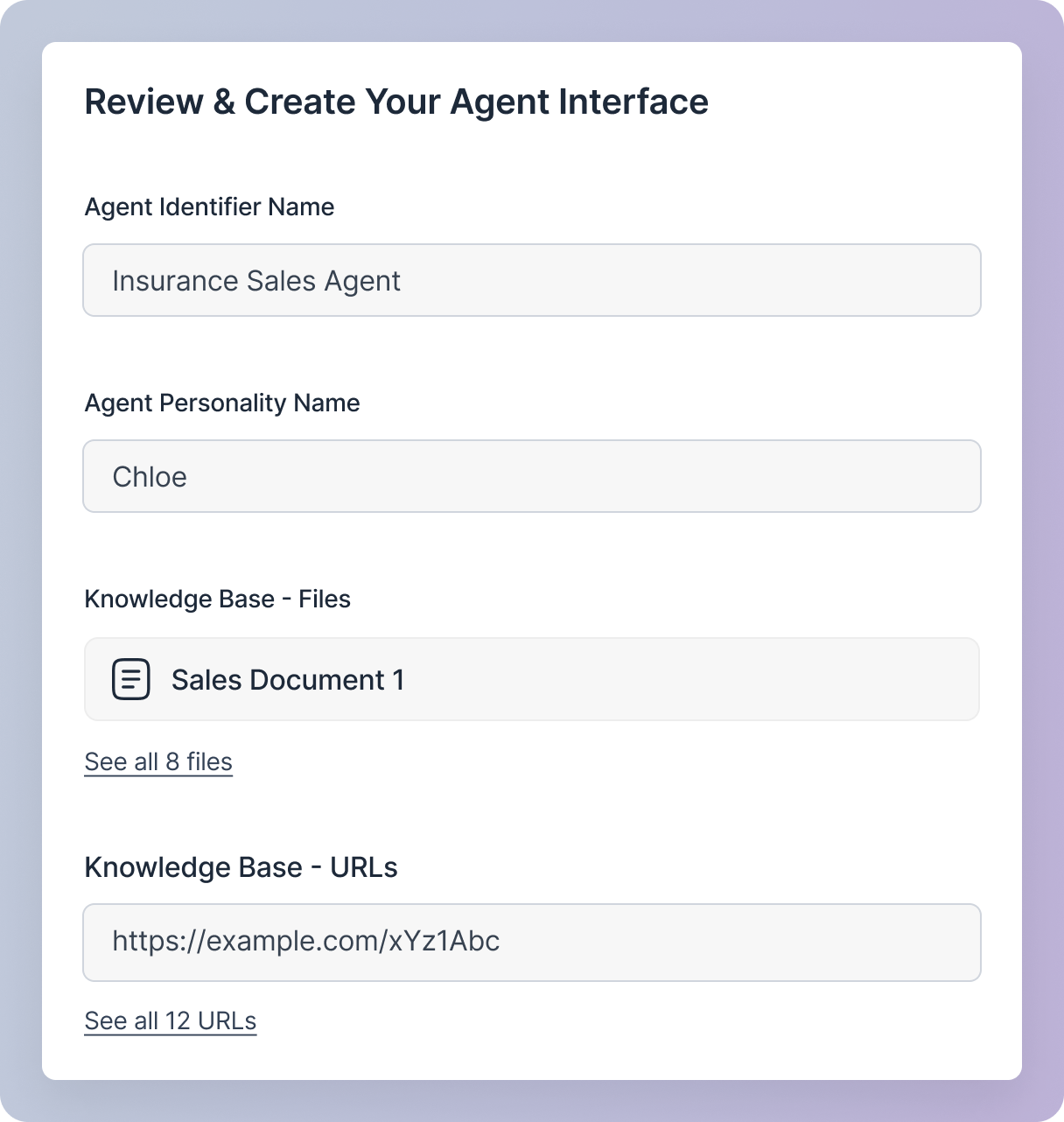
Create Agent button will remain disabled until you provide all the required details. Once all necessary details are provided, you will be able to create your agent.This section provides a summary of all the details you’ve entered while creating your sales agent. It’s a read-only view, allowing you to confirm the information you’ve provided.
Create agent ButtonCreate Agent button will remain disabled until you provide all the required details. Once all necessary details are provided, you will be able to create your agent.