Table Contents
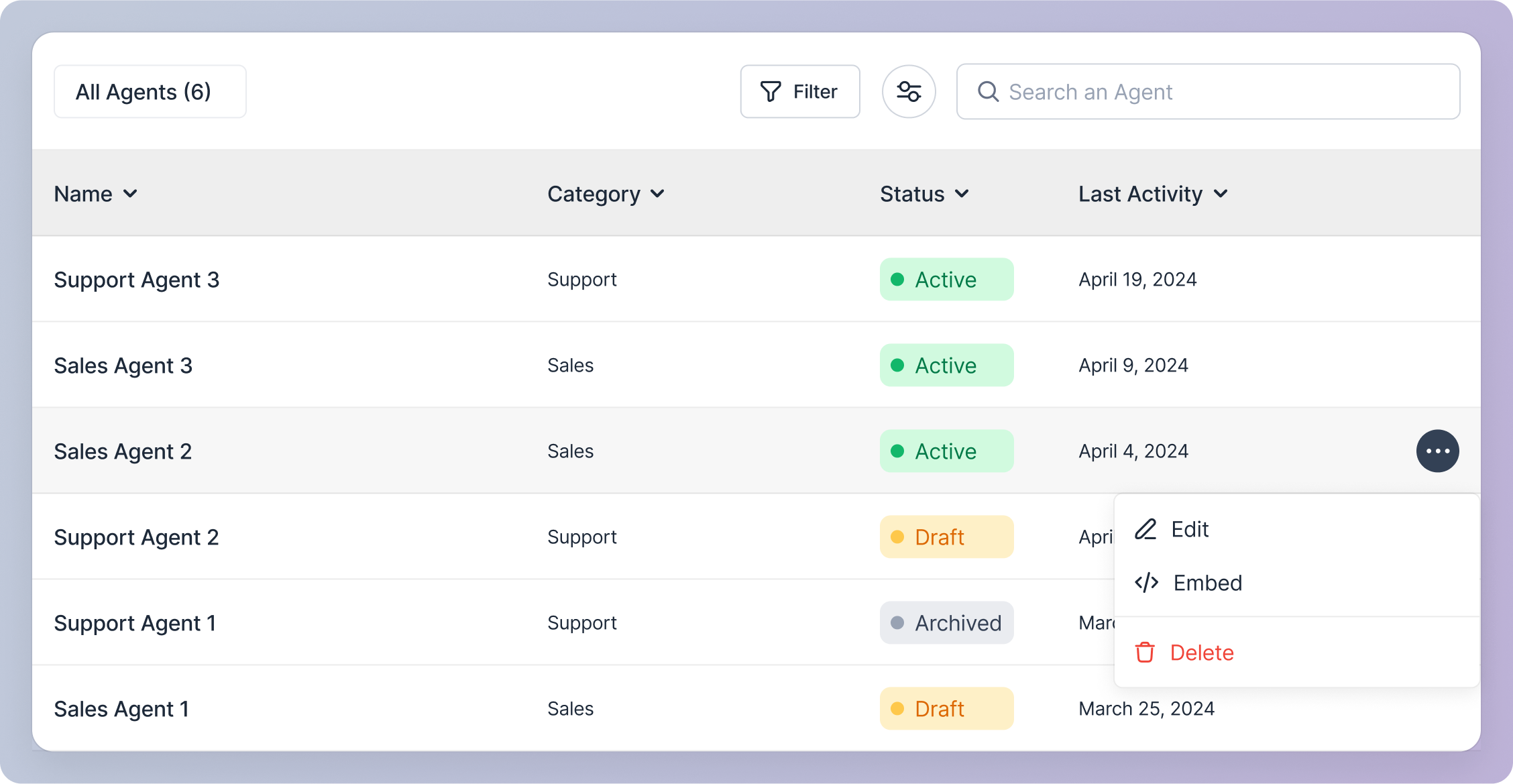
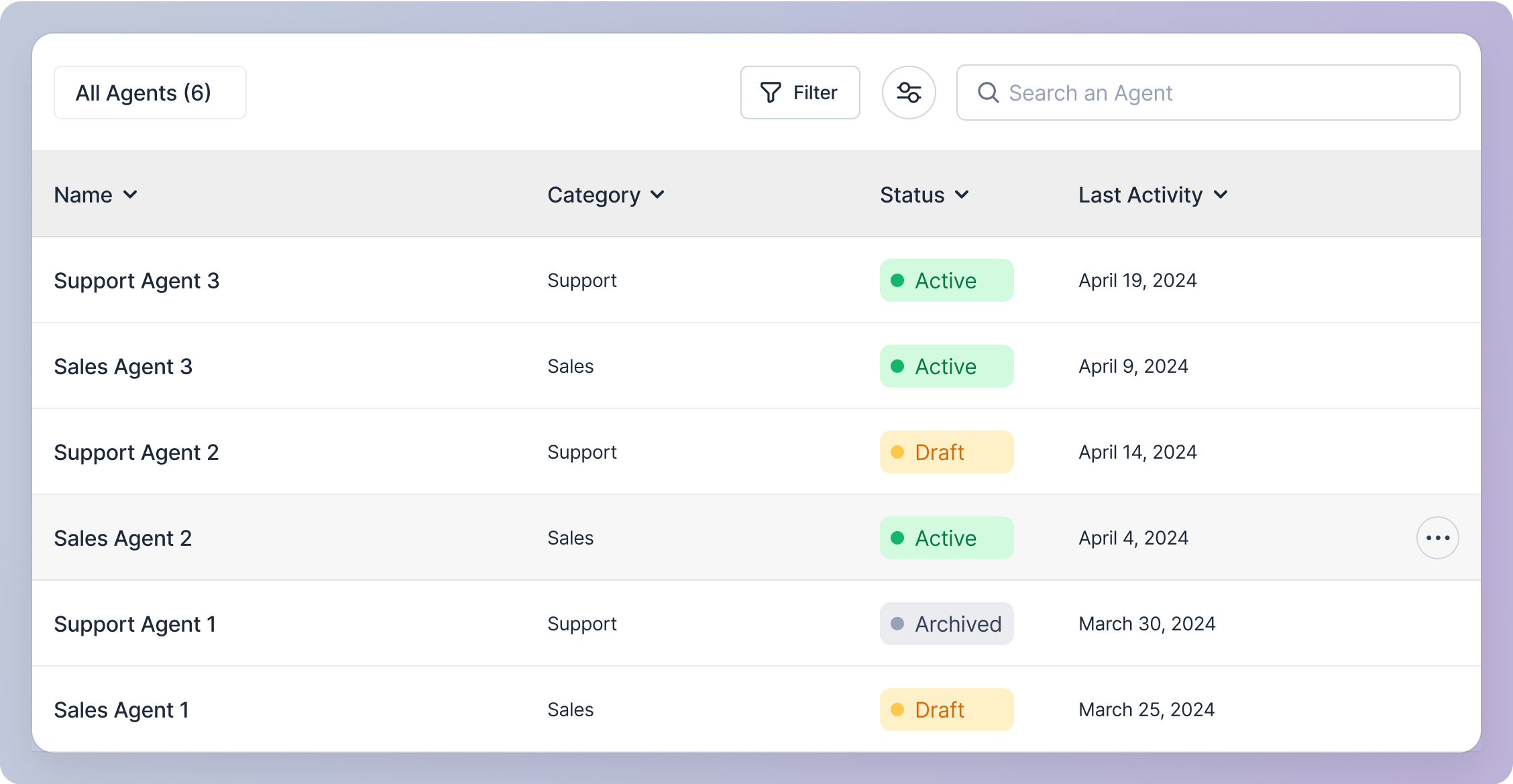
Each row represents an agent and contains the following data:- Name (Agent Identifier Name)
- Agent Name (Agent Personality Name)
- Category
- Status See Status
- Last Activity (Date it was created or last updated)
Table Features
- Total Number of Agents: Displayed in the table header.
- Filtering: Use the filter button to narrow down the list of agents. See Filter
- Customization: Customize the table view using the customize icon button. See Customize
- Search: Find an agent by entering the Name (Agent Identifier Name) in the search bar. See Search
- Sorting: Sort the table by clicking the chevron in the column headers:
- Name (Alphabetical order)
- Agent Name (Alphabetical order)
- Category (Alphabetical order)
- Status (Alphabetical order)
- Last Activity (Chronological order)
Agent Actions
Hover over a row in the table and click the action icon button to access the following options for an agent:- Edit See Edit
- Share See Share
- Delete See Delete